
Every Byte Matters.
DT Mega Drive Suite
Turn Your MEGA Account Into a Local Drive Without Syncing a Single File
MEGA gives you 20GB of end to end encrypted storage for free, which is part of why it has over 220 million users. What it does not give you is a way to open a file from your account the moment you need it, without either browsing through the website or waiting for MEGAsync to pull a copy of your files down to your hard disk first. DT Mega Suite mounts your MEGA account directly as a real local drive, the same way a pen drive or an external hard disk appears in File Explorer, with nothing downloaded ahead of time and nothing synced in the background.


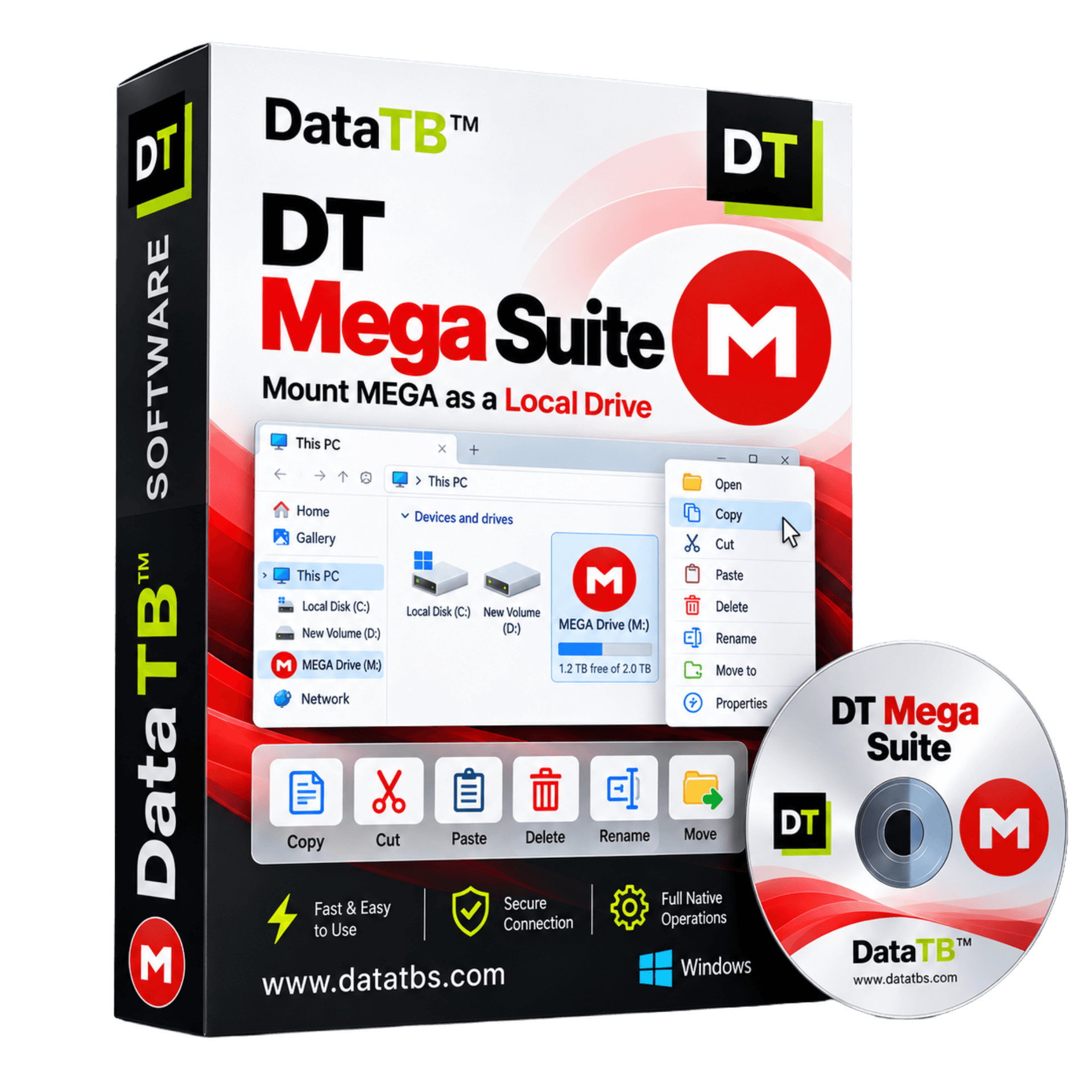
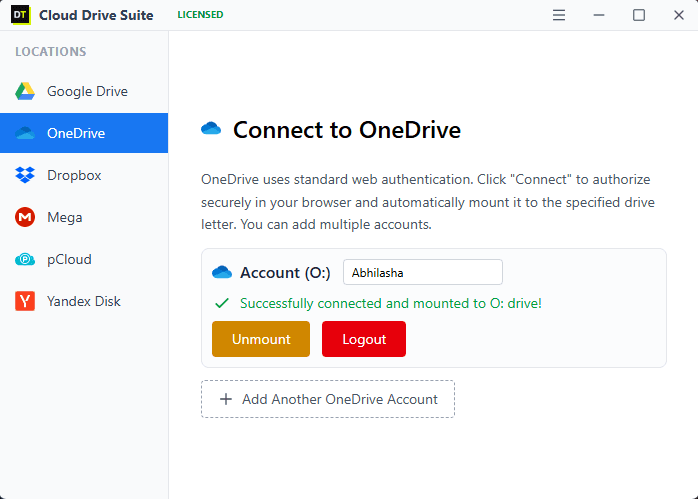

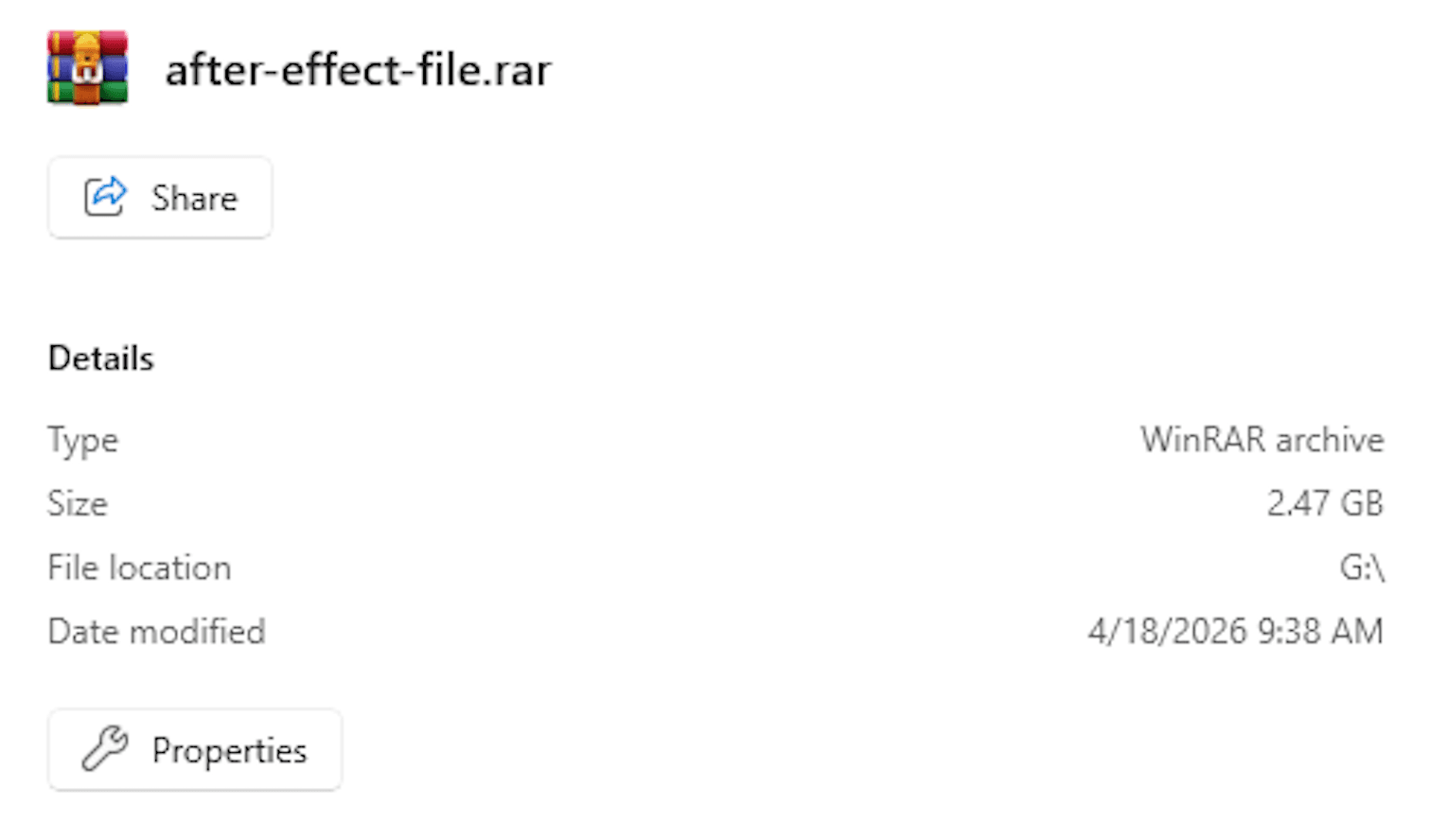
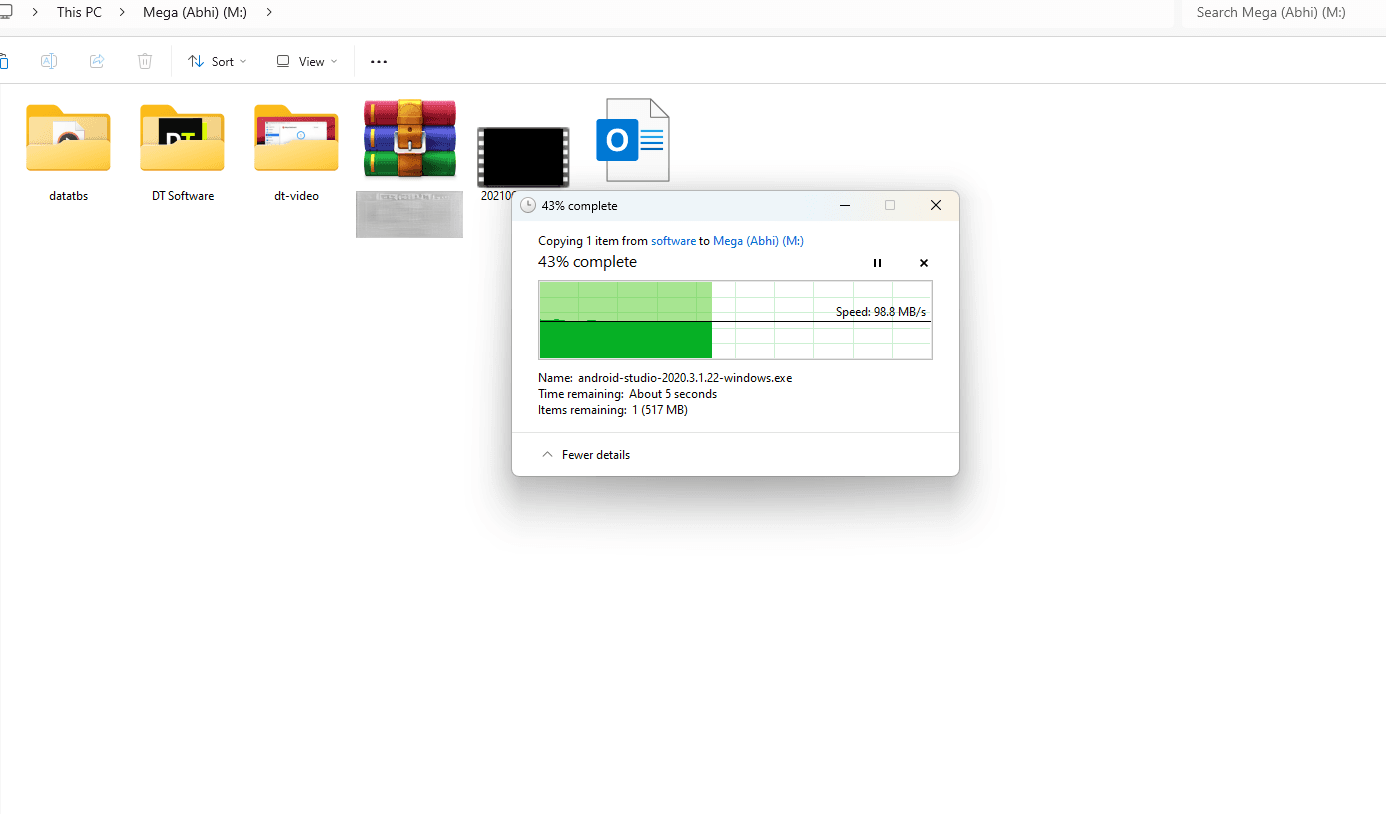
Quick Summary: DT Mega Suite mounts your MEGA account as a native local drive on Windows, with no full local sync required and no cap on file size. Stream files directly, copy and move at native speed, and manage multiple MEGA accounts side by side, alongside every other cloud drive you already use.
Why MEGA Users Need a Different Kind of Tool
This is worth saying plainly, because it is the first question anyone already using MEGA will have. MEGA's own desktop client, MEGAsync, is genuinely good at what it does, keeping a local copy of your account in sync with the cloud. But sync is not the same thing as mounting, and the difference matters more than it first appears.
A sync client works by copying files down to your disk, in the background, ahead of time, so that a full local copy exists whether you need it right now or not. That works well if your MEGA account is small enough to fit comfortably on your local drive and you genuinely want every file present locally at all times. It becomes a real problem the moment your account holds more data than you want sitting on your laptop, or you only need to open one folder out of a much larger account, or you are working from a machine with limited storage. MEGAsync does not offer a lightweight, mount-only mode. It syncs, or it does not give you local access at all.
Unlike pCloud, which ships a free mount-only app alongside its sync client, MEGA has never offered an official way to mount your account as a drive without syncing it. DT Mega Suite exists specifically to close that gap: connect your MEGA account and it appears as a drive letter or mount point immediately, streaming files as you open them, with nothing pulled down in advance and nothing sitting on your disk that you did not explicitly copy there yourself.
Core Features
Mount MEGA as a Real Local Drive, Not a Synced Folder
Connect your MEGA account and it appears as a drive letter on Windows or a mount point on macOS, the same way a USB drive appears the instant you plug it in. There is no waiting for an initial sync to complete and no local copy building up on your disk in the background. What you see mounted is exactly what is in your MEGA account, live, with nothing cached that could fall out of date.
Native Speed Copy, Move, Delete, and Execute
Once mounted, every file operation behaves the way it would on a physical external drive. Copy a folder out of MEGA, cut and paste between MEGA and another mounted cloud, delete a batch of files, or open and run a file directly from the mount, without any application needing to know the file actually lives on MEGA's servers.
Stream Files Without Downloading the Whole Thing First
Open a video, a large PDF, or any other file type directly from the mounted MEGA drive and it streams as needed, instead of forcing a complete download before you can view a single frame or page. For anyone storing project footage, design files, or large archives in MEGA specifically because of its generous storage tiers, this removes the wait that a full download would otherwise cost every time.
Mount More Than One MEGA Account at Once
Personal and business MEGA accounts can both be mounted side by side, each showing up as its own separate drive, rather than needing to sign out of one account before working in the other the way MEGA's own web interface and desktop sync client require.
Manage MEGA Alongside Every Other Cloud You Use
Mount MEGA next to Google Drive, OneDrive, Dropbox, Box, pCloud, Nextcloud, Amazon S3, Google Cloud Storage, Azure Blob Storage, Backblaze B2, DigitalOcean Spaces, or an FTP or SFTP server, all through the same app, all appearing in File Explorer the same consistent way.
No Size Limits, No Local Storage Cost
There is no cap on file size once MEGA is mounted and licensed, and because nothing syncs down to disk by default, mounting a 500GB MEGA account costs nothing in local storage until you actually choose to copy something out of it.
Runs at Your Full Internet Speed on License
The free demo mounts any one supported cloud drive, MEGA included, with transfer speed capped at 3MB/s, enough to properly test the mounting experience before buying. The licensed version removes that cap entirely and runs at the maximum speed your internet connection supports.
How It Works
1. Download and install DT Mega Suite
A single lightweight installer for Windows or macOS. No separate driver downloads or command-line setup required.
2. Sign in to your MEGA account
Authenticate with your MEGA credentials. If two-factor authentication is enabled on your account, which MEGA recommends for its end to end encrypted storage, you will be prompted for your authenticator code during setup.
3. MEGA appears as a local drive
Open File Explorer or Finder and MEGA shows up as a drive letter or mount point, alongside any other cloud drives you have mounted through the same app.
4. Work with it like any local drive
Copy, cut, paste, move, delete, rename, execute, or stream a file directly, including moving files straight between MEGA and another mounted cloud without a manual download and reupload step in between.
5. Unmount whenever you want
Disconnecting the drive does not touch your files. They remain exactly where they were in your MEGA account, untouched and fully encrypted the way MEGA stores them.
An Important Note Before You Start
DT Mega Suite requires an active internet connection to work at all times. It is not an offline tool and does not create a synced local copy of your account, which is precisely the behavior it is designed to avoid. What you see mounted is always the live, current state of your MEGA account, with nothing cached locally that could drift out of sync or quietly consume disk space you did not intend to give up.
The free demo lets you mount any one supported cloud drive, MEGA included, and try every operation, copy, move, delete, execute, and stream, with transfer speed capped at 3MB/s so you can properly evaluate the experience before buying. Once licensed, that cap is removed and MEGA runs at your internet connection's maximum available speed, alongside every other cloud provider your plan supports.
DT Mega Suite vs Other Ways to Access MEGA
| Feature | DT Mega Suite | MEGAsync (official) | CloudMounter / NetDrive |
|---|---|---|---|
| Mounts without a full local sync | Yes | No, syncs a local copy by design | Yes |
| Mounts MEGA only, or many clouds | Many clouds, one consistent app | MEGA only | Many clouds, varies by tool |
| Multiple MEGA accounts at once | Yes, each as its own drive | Requires signing out and back in | Varies by tool |
| Local disk space used by default | None until you copy a file out | Grows to match your account size | None by design |
| Speed on licensed or paid plan | Your internet's maximum speed, no cap | Not capped, but limited by sync overhead | Generally uncapped once purchased |
| File size limits | None | None | None among direct competitors |
| Two-factor authentication support | Yes | Yes | Varies by tool |
| Offline access | None, requires active connection | Yes, since files are synced locally | Mostly none |
Pricing and feature details for other products reflect public information at the time of writing and may change. If offline access to your entire account matters more than saving local disk space, MEGAsync's sync model may suit you better. DT Mega Suite is built for the more common case: needing MEGA files available instantly without giving up the storage space a full sync would demand.
Who DT Mega Suite Is For
The MEGA user who does not want a full local sync
Storing 200GB or more in MEGA specifically for the free or affordable storage tiers, but working from a laptop with a 256GB drive where a full MEGAsync copy simply will not fit.
The multi-cloud user who happens to use MEGA
MEGA for encrypted personal archives, Google Drive from work, Dropbox for a shared project. One app mounts all three instead of running a separate native client for each.
Anyone managing more than one MEGA account
Personal and business MEGA accounts mounted side by side, without the sign-out, sign-in cycle MEGA's own apps require to switch between them.
Video editors and large-file professionals
Streaming footage or large project files directly off MEGA without waiting for a complete download, and without a background sync process competing for bandwidth during an edit.
Privacy-conscious users who still need quick access
MEGA's zero-knowledge encryption is a major reason people choose it. DT Mega Suite does not change that model, your files remain encrypted exactly as MEGA stores them, and mounting does not store or copy your files on any third-party server.
System Requirements
| Operating System | Windows 8.1, 10, 11 and up |
| RAM | Minimum 2GB required |
| Installation | Local app install required to mount drives at the system level |
| Internet Required | Yes, at all times. This is not an offline tool |
| Two-Factor Authentication | Supported |
| File Size Limits | None |
| Data Traffic Limits | No monthly data traffic cap |
Demo vs Licensed
| Feature | Free Demo | Licensed |
|---|---|---|
| Mount Cloud Drives | 1 Cloud Drive Only | As per plan |
| Transfer Speed | Capped at 3MB/s | Max Internet Speed (Uncapped) |
| Multiple MEGA Accounts | Not available | Yes |
| File Size Limits | None | None |
| Full Feature Access | Yes | Yes |
Frequently Asked Questions
QDoes MEGA already have its own way to mount as a local drive?
ANot quite. MEGA's official desktop app, MEGAsync, is a sync client, meaning it downloads and keeps a local copy of your account in sync with the cloud rather than mounting it as a drive without a local copy. If you want the account fully available offline and have the disk space to spare, MEGAsync works well. If you want instant access without a full local copy, DT Mega Suite mounts the account directly instead.
QDoes DT Mega Suite work offline?
ANo. It requires an active internet connection at all times, since it mounts your live MEGA account rather than syncing a local copy. This also means what you see is always current, with nothing cached that could fall out of date.
QWill mounting MEGA use up my local disk space?
ANo, not by default. Unlike a sync client, mounting does not copy your files to disk ahead of time. Local storage is only used for files you explicitly copy out of the mounted drive.
QWhat exactly is limited in the free demo?
AThe free demo lets you mount one cloud drive of your choice, MEGA included, and use every feature, copy, move, delete, execute, and stream, with transfer speed capped at 3MB/s.
QWhat changes once I buy a license?
AThe 3MB/s speed cap is removed entirely, and you can mount MEGA alongside as many other supported cloud drives as your plan allows, all at your internet connection's maximum speed.
QCan I mount two MEGA accounts at the same time?
AYes, on a licensed plan. Each MEGA account mounts as its own separate drive, with no need to sign out of one to access the other.
QIs there a file size limit?
ANo. Once MEGA is mounted, copy, move, delete, and every other operation work the same as they would on any local or external drive.
QDoes DT Mega Suite support MEGA's two-factor authentication?
AYes. If two-factor authentication is enabled on your MEGA account, you will be prompted for your authenticator code during the connection process, the same as signing into MEGA directly.
QDoes mounting store or copy my MEGA files anywhere else?
ANo. DT Mega Suite does not store your files on its own servers and does not create a separate local copy. It mounts your existing MEGA account directly, so your files stay exactly where they already are, encrypted the same way MEGA always stores them.
What Real Users Say
"MEGAsync kept eating my laptop storage because it syncs everything. Mounting MEGA with DT Mega Suite without local sync fixed that completely."
David Chen
Freelance Designer
Verified by Data TB
"Running two MEGA accounts side by side used to be a hassle. Now they both just show up as drives in Explorer."
Sarah Miller
Small Business Owner
Verified by Data TB
Get Started
Mount your MEGA account free, without syncing a single file, and see exactly how much faster instant access feels compared to waiting for a full local copy.