
Every Byte Matters.
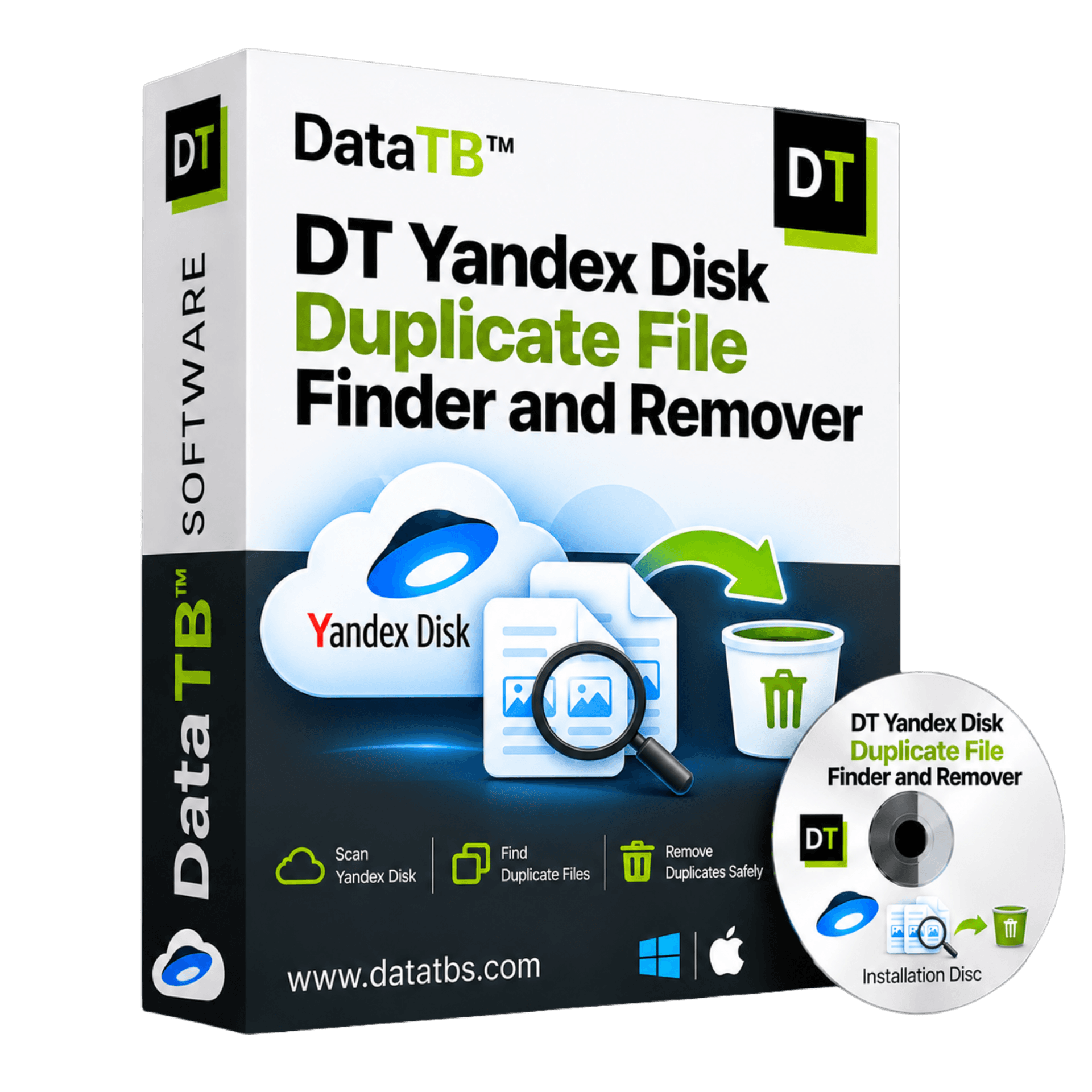
DT Yandex Disk Duplicate File Finder and Remover
Find and Delete Duplicate Files in Your Yandex Disk
DT Yandex Disk Duplicate File Finder and Remover is a desktop tool that scans your Yandex Disk account for duplicate files, groups every match so you can review it, and removes the extra copies in bulk. Choose Fast Scan by name and size or Deep Scan by file hash, check each group first, and keep one clean copy of every file.
- Scan your whole Yandex Disk or only the folders you pick
- Fast Scan for speed, Deep Scan for content-level accuracy
- No need to sync Yandex Disk to your PC first
- Preview every duplicate group before anything is removed
- Remove duplicates in bulk instead of deleting one file at a time
- Run the full scan for free, pay only when you want to remove


Quick Summary:DT Yandex Disk Duplicate File Finder and Remover is a desktop tool that scans your Yandex Disk account for duplicate files, groups every match so you can review it, and removes extra copies in bulk with Fast Scan or Deep Scan.
Why Yandex Disk Fills Up With Duplicate Files
Most people do not run out of Yandex Disk space because they saved too much. They run out because they saved the same thing more than once.
Your phone auto-uploads a photo, and later the same photo arrives again from a laptop import. A mail attachment is saved to the Disk, then downloaded, edited and saved back under a new name. A shared folder is copied into your own account "to be safe". A full backup is uploaded twice because the first try was interrupted. Each step looks harmless. Together they can quietly use a big share of your storage.
The problem is that Yandex Disk does not tell you any of this. The app lets you select files and delete them by hand, which is fine for ten files and painful for ten thousand. Without a way to compare content, you end up scrolling through folders and guessing.
What a duplicate really is
Two files are duplicates when their content is identical, even if the names, dates or folders are different. A photo called IMG_2041.jpg and a copy called IMG_2041 (1).jpg are the obvious case. A harder case is the same video saved as "final" in one folder and "export" in another. Deep Scan finds both, because it compares content and not names.
How Yandex Disk Deletion Really Frees Space
Here is something many people miss, and it changes how you should clean up.
According to Yandex support, files you delete go to the Trash first and keep using space on your Disk. They are removed automatically after 30 days, or right away if you empty the Trash by hand. Emptying the Trash is permanent.
In practice, this means two things:
- After you remove duplicates, your free space will not change until the Trash is emptied or the 30 days pass.
- The Trash is also your safety net. Until you empty it, you can still restore a copy you removed by mistake.
DT Yandex Disk Duplicate Finder sends removed copies to the Yandex Disk Trash. So you get a safe, reversible cleanup first, and you decide when to empty the Trash and claim the space.
Ways to Remove Duplicates From Yandex Disk, Compared
There is more than one way to clean a Yandex Disk. Each has a place, and each has a cost.
Manual cleanup in the app or the website. It is free and works for small folders. But it has no match detection, so you compare files by eye and the risk of deleting the wrong one grows with every folder.
Generic duplicate finders on a synced folder. Many desktop tools scan folders on your PC. To use them, you first sync the whole Yandex Disk to your computer, which needs free disk space and a lot of time. When you delete locally, the deletion syncs back to the cloud, so a wrong click travels fast.
Mobile cleanup apps. Some phone and tablet apps list Yandex Disk among the clouds they support. They are handy on the move, but a small screen is a hard place to review thousands of files, and some give you limited sorting and filtering.
Command-line tools. Tools such as rclone can talk to Yandex Disk. They are powerful, but you need setup, commands and care, and there is no visual preview of what you are about to delete.
A dedicated Yandex Disk duplicate finder. This is what DT Yandex Disk Duplicate File Finder is built for: connect once, scan in place, review visually and remove in bulk.
| What you need | Manual cleanup | Synced-folder tools | Command-line tools | DT Yandex Disk Duplicate Finder |
|---|---|---|---|---|
| Finds duplicates for you | No | Yes | Yes | Yes |
| Needs a full local copy of your Disk | No | Yes | No | No |
| Match by file content | No | Usually | Yes | Yes, with Deep Scan |
| Quick name and size mode | No | Varies | Varies | Yes, Fast Scan |
| Visual preview of duplicate groups | No | Yes | No | Yes |
| Scan only chosen folders | Yes | Yes | Yes | Yes |
| Bulk removal | No | Yes | Yes | Yes |
| Easy for non-technical users | Yes | Yes | No | Yes |
| Free scan before buying | Yes | Varies | Yes | Yes |
Key Features of DT Yandex Disk Duplicate File Finder and Remover
Connect your Yandex Disk account
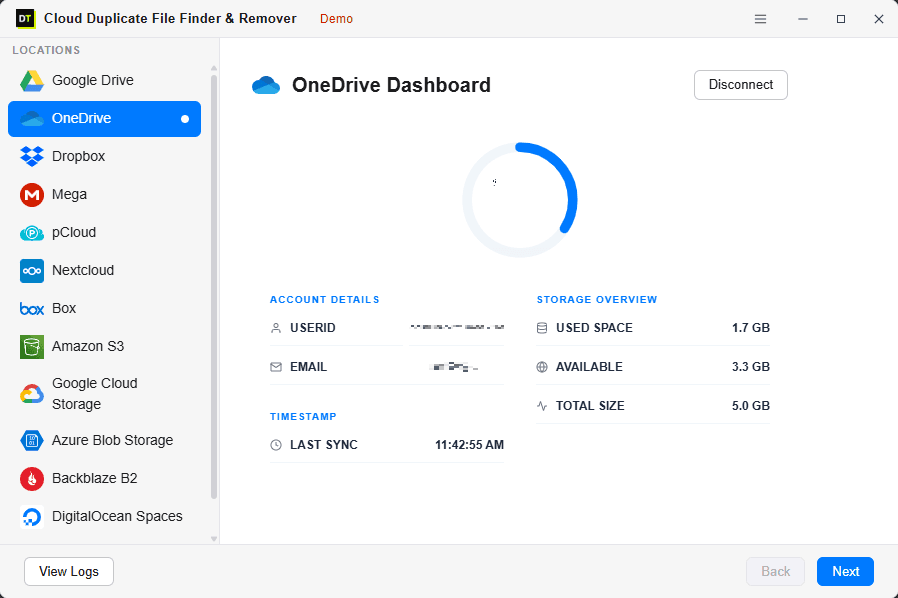
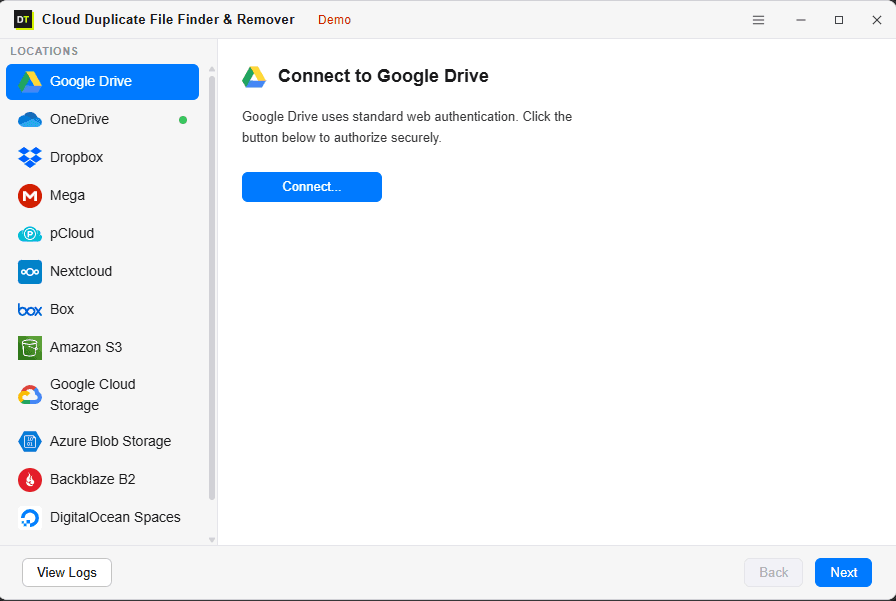
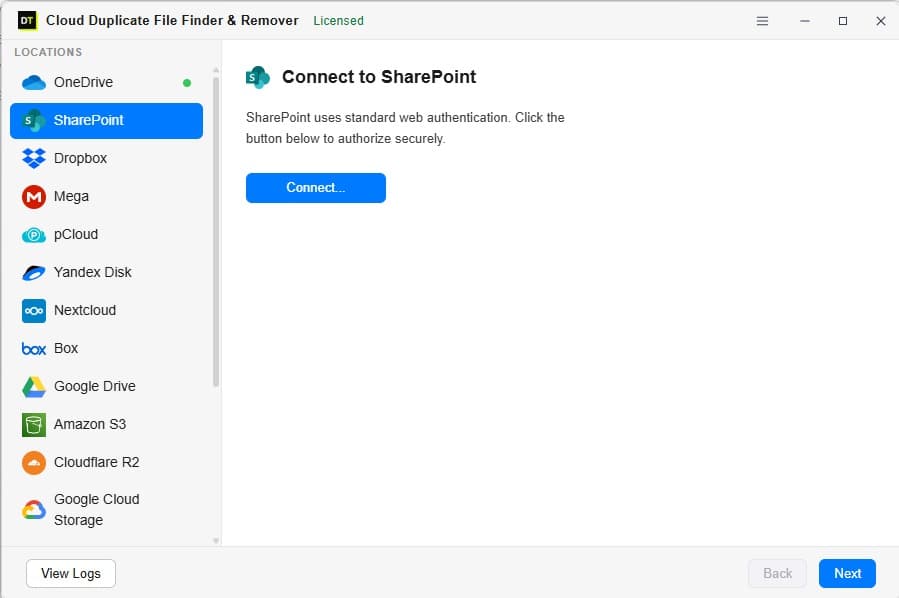
Add your account from the Locations panel and sign in through the official Yandex login. You do not type your password into the app. Once connected, you see your used space, free space and total capacity at a glance.
Scan in place, with no sync needed
The scan reads your file list and file details straight from your Yandex Disk account. You do not have to sync the whole Disk to your PC, and no files are downloaded during a scan. That saves hours and a lot of local disk space.
Fast Scan and Deep Scan
Fast Scan compares file name and size. It is quick and catches the plain re-uploads. Deep Scan compares a file hash, a fingerprint made from the content, so it also catches renamed files and the same file hiding in different folders.
Scan the whole Disk or one folder
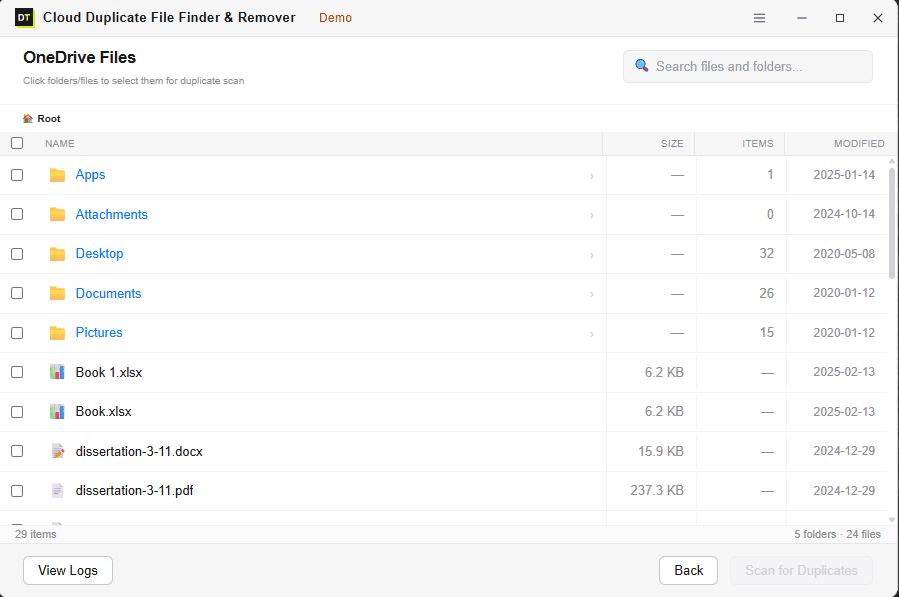
Choose the full account, a single folder such as Camera Uploads, or several folders at once. Keep the folders you trust out of the scan and focus on the ones that grew messy.
Review duplicate groups before anything happens
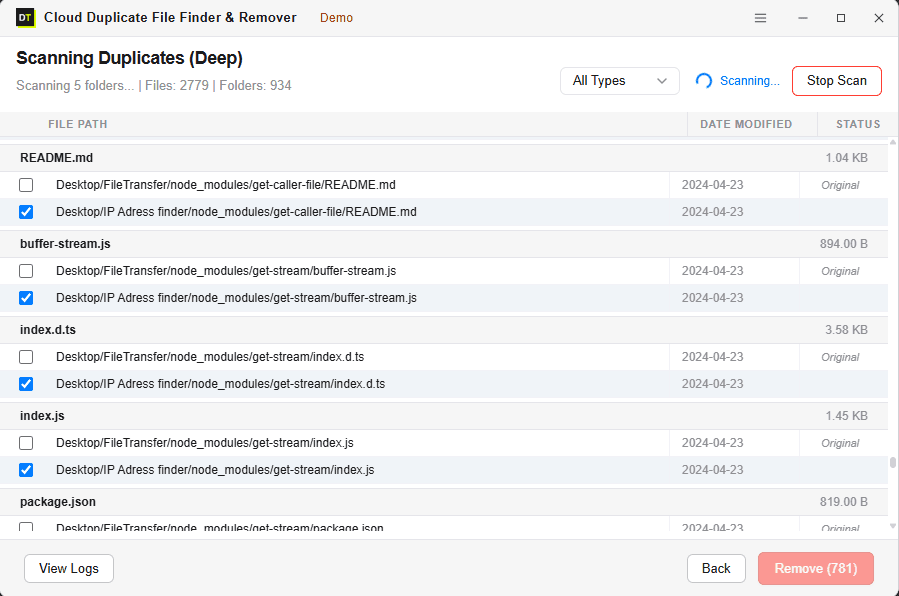
Every match appears in a group, with the path, size and date of each copy. Nothing is selected for removal until you confirm it. The original in each group stays untouched.
Bulk removal
After you review, remove all the extra copies in one action. On a Disk with thousands of duplicates, this turns a weekend of clicking into a short job.
Safe removal to the Trash
Removed copies go to the Yandex Disk Trash, so you can restore them if you change your mind. Empty the Trash when you are happy with the result.
Live scan monitoring
Watch the file count, folder count and current status while the scan runs. You always know what is happening and how far along it is.
Several Yandex accounts in one place
Personal, work or family accounts can all be connected and cleaned from the same dashboard.
Activity log
Every scan and removal is recorded with a time stamp, so you can always see what was cleaned and when.
Free scan before you pay
Run a complete scan for free and see exactly how much space duplicates are using. Buy only when you are ready to remove them.
Fast Scan or Deep Scan: Which Should You Pick?
The two modes trade speed for certainty. Neither is better every time.
Fast Scan
Fast Scan matches files by name and size. Use it when you expect plain copies, such as a folder uploaded twice or a backup repeated after an interrupted upload. It finishes quickly even on large accounts.
Deep Scan
Deep Scan matches files by hash. Use it before a big cleanup, before you move data to another cloud, or whenever a wrong match would hurt. It finds renamed files, edited-and-resaved copies, and identical content in different folders.
A good habit: run Fast Scan first to collect the easy wins, then run Deep Scan on your photo, video and project folders.
How to Find and Delete Duplicate Files in Yandex Disk
Step 1: Download and install
Download and install DT Yandex Disk Duplicate File Finder on your Windows PC.
Step 2: Add your Yandex Disk
Add your Yandex Disk from the Locations panel and sign in with Yandex.
Step 3: Choose what to scan & select scan mode
Pick the whole Disk, one folder, or several folders. Select Fast Scan or Deep Scan and start. Follow the live file and folder count.
Step 4: Review duplicate groups and remove
Review the duplicate groups, check each group, mark the copies to remove, and remove the extras in bulk. Confirm once, and the copies move to the Yandex Disk Trash.
Step 5: Empty the Trash in Yandex Disk
Empty the Trash in Yandex Disk when you are sure. Your free space updates after that.
The free version covers steps 1 to 3. Step 4 removal needs the full version.
What Kind of Duplicates Can You Clean Up in Yandex Disk?
Deep Scan works on content, so it is not tied to one file type. The tool covers 500+ file formats. These are the groups people clean up most.
Phone photos and screenshots
The same picture uploaded from the phone and from a laptop import
Videos
Big recordings and exports copied between folders
Documents and PDFs
Contracts, reports and scans saved again during review
Mail attachments
The same file saved from several emails
Archives and installers
ZIP files and setup files uploaded more than once
Repeated backups
A folder uploaded twice after a failed or restarted upload
Who Uses a Yandex Disk Duplicate Remover
Everyday users
If your Disk keeps warning you about storage, a scan often shows that a large part of it is repeated photos and videos.
Students and teachers
Shared study folders get copied into personal accounts again and again. Clearing exact copies makes search cleaner and saves space.
Photographers and video editors
Exports, previews and project copies multiply quickly. Deep Scan finds identical files even after a rename.
Freelancers and small teams
Client files move between members, folders and accounts. A duplicate audit before a handoff keeps the final folder clean.
Anyone thinking about paying for more storage
Before you upgrade a plan, run a free scan. You may find the space you need is already yours.
What the Tool Reads and What It Never Touches
What is read
file name, file size, folder path, dates and the file hash used by Deep Scan.
What is never done
your Yandex password is never entered into the app, no files are downloaded to your PC during a scan, nothing is uploaded to a Data TB server, and nothing is removed automatically.
Every removal is a choice you confirm. The original in each group is left alone, and removed copies go to the Yandex Disk Trash. Data TB tools run locally on your device, and your data is never stored, seen or touched by us.
Free Scan vs Full Version
Connect your account and run a complete scan at no cost. You will see how much space duplicates are using before you decide to buy.
| Feature | Free Scan | Full Version |
|---|---|---|
| Connect your Yandex Disk account | Included | Included |
| Fast Scan by name and size | Included | Included |
| Deep Scan by file hash | Included | Included |
| Scan the whole Disk or chosen folders | Included | Included |
| Multiple Yandex accounts | Included | Included |
| Live scan monitoring | Included | Included |
| Preview duplicate groups | Included | Included |
| Activity log | Included | Included |
| Remove duplicates in bulk | Not included | Included |
30-Day Money-Back. See the refund policy for details.
Frequently Asked Questions
How do I find duplicate files in Yandex Disk?+
How do I delete duplicate files from Yandex Disk safely?+
Why is my Yandex Disk still full after deleting files?+
Do I need to sync Yandex Disk to my computer first?+
Does the tool download my files?+
Is it safe to connect my Yandex account?+
What is the difference between Fast Scan and Deep Scan?+
Will it delete the wrong file by mistake?+
Can I scan only one folder?+
Can it find duplicate photos in Yandex Disk?+
Can I connect more than one Yandex account?+
Is there a free version?+
Does it run on Windows and Mac?+
Can I clean other clouds too?+
System Requirements
| Item | Details |
|---|---|
| Software version | 25.1.1 |
| Software size | 10.4 MB |
| Operating system | Windows 11, Windows 10 |
| Supported storage | Yandex Disk |
| Internet connection | Required |
| Sign-in | Official Yandex login |
| License | One-time or subscription, see the pricing page |
Related Data TB tools
Take Back Your Yandex Disk Space Today
Run the free scan and see how much of your Disk is made of repeat copies. Nothing is downloaded, and nothing is removed until you say so.