
Every Byte Matters.
DT Amazon S3 Duplicate Finder
Find and Remove S3 Duplicate Files. Cut Your AWS Bill.
DT Amazon S3 Duplicate Finder scans your S3 buckets directly - finding every duplicate object across single or multiple buckets - without downloading a single file to your machine.


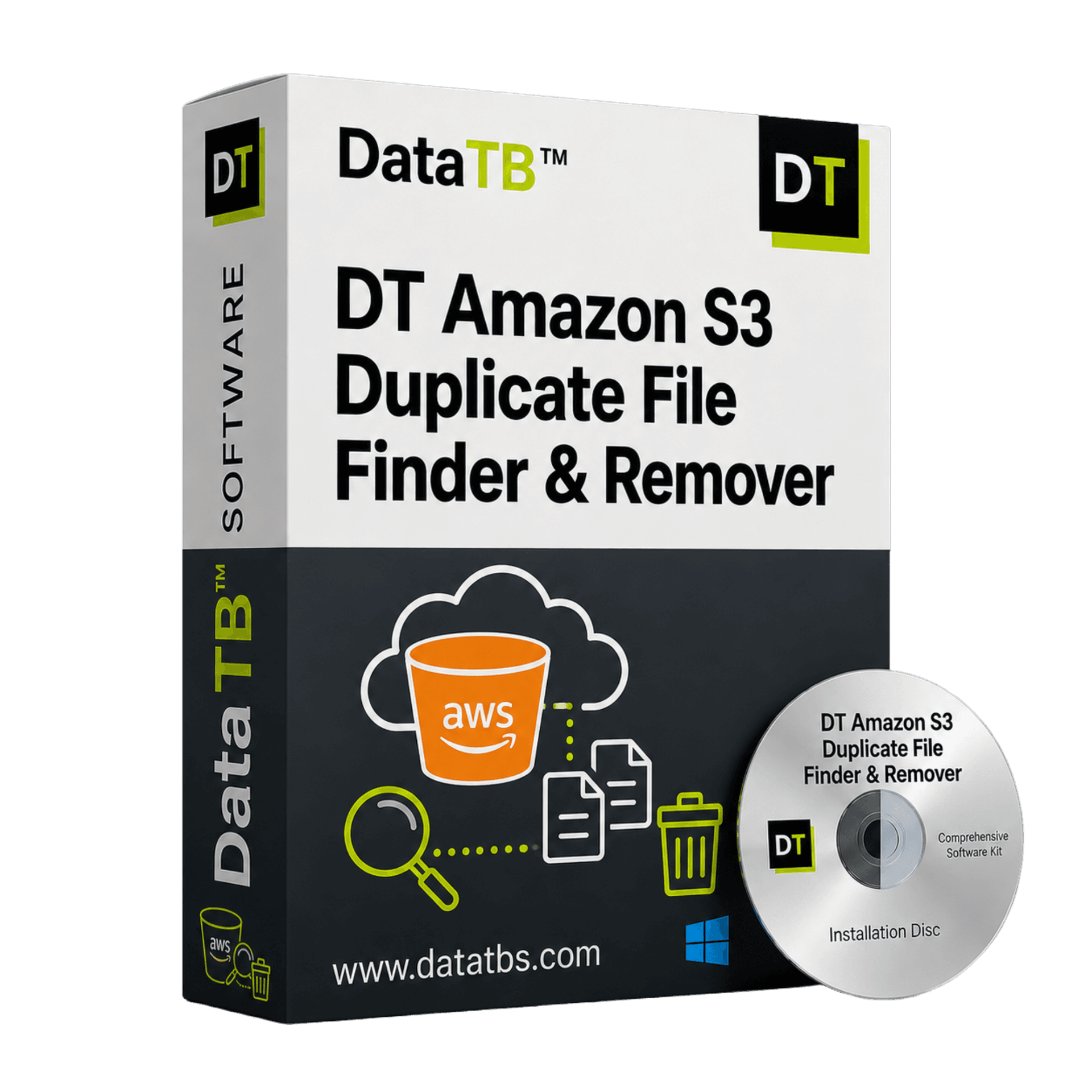
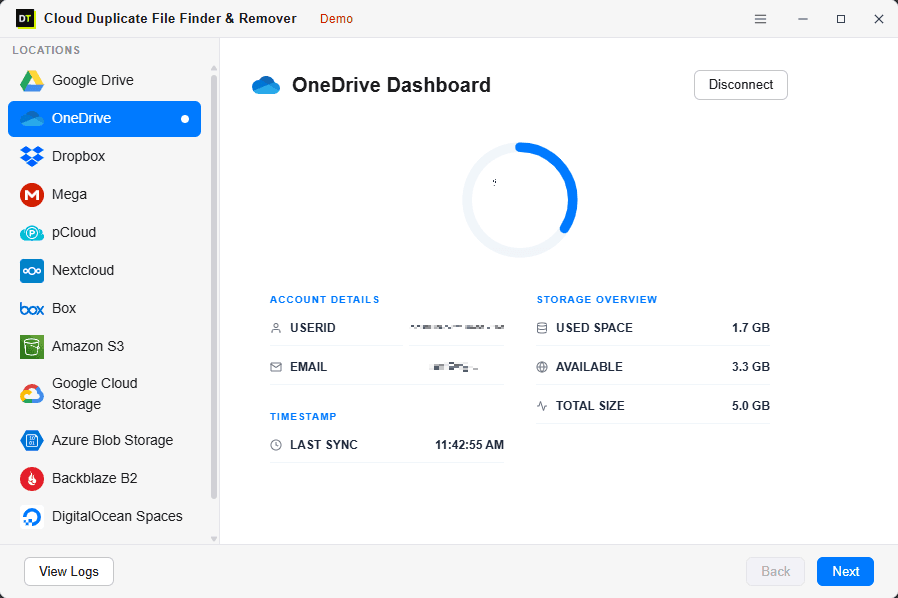
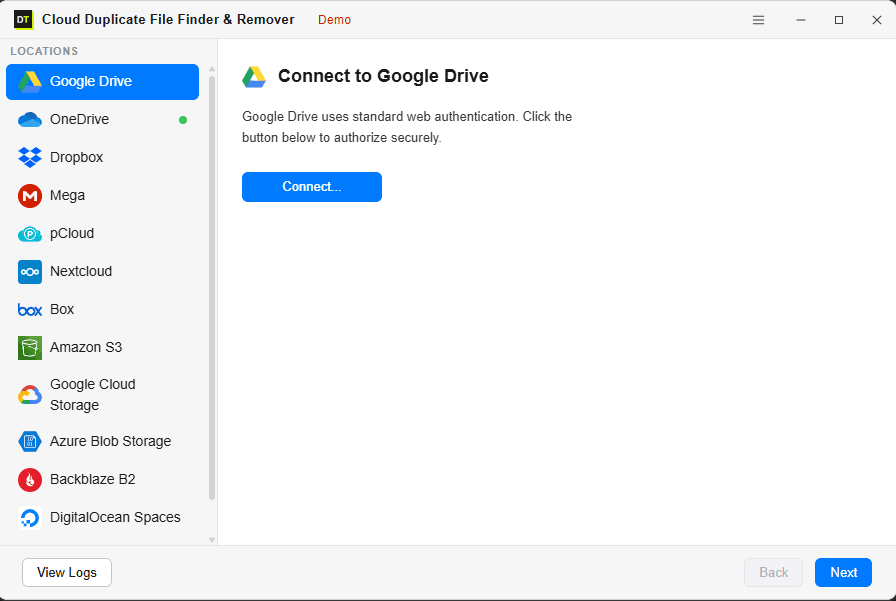
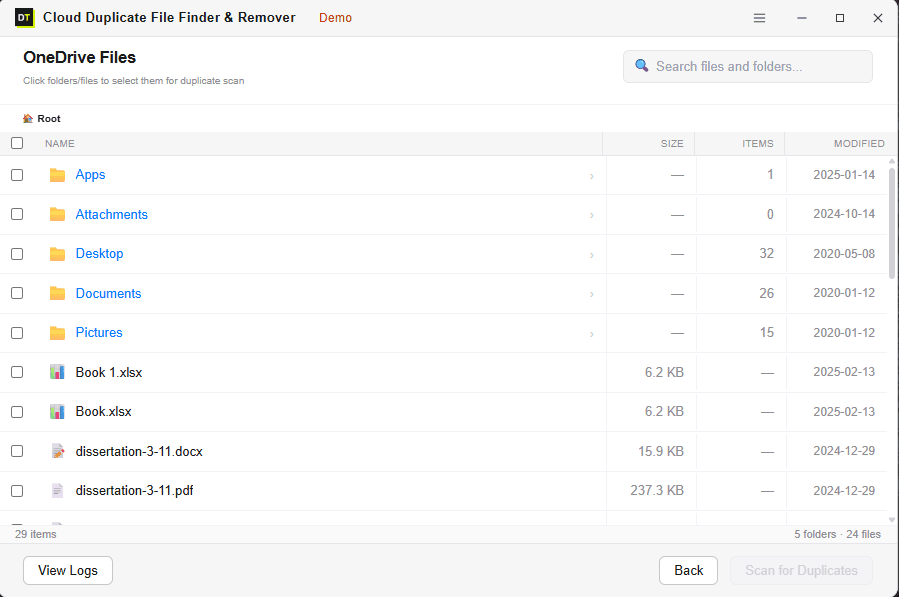
Quick Summary:DT Amazon S3 Duplicate Finder is a tool that identifies and removes duplicate objects across single or multiple AWS S3 buckets without downloading any data to your local machine. It uses ETag (hash-based) matching for byte-level accuracy, helping users reduce their recurring AWS storage costs.

S3 Is Not a Fixed Plan.
You Pay for Every Byte. Including the Duplicates.
Google Drive gives you 15GB for free and charges a flat monthly fee after that. OneDrive is the same. So is Dropbox. AWS S3 cost optimization guide →
S3 doesn't work like that.
Amazon S3 charges you per GB stored - every month, forever, for every object in every bucket. That means every duplicate file in your S3 bucket is not just wasting space. It's generating a recurring monthly charge.
A 500MB video file duplicated three times across your buckets costs you for 1.5GB every single month - not once.
Silent Cost Multipliers
- A backup process that ran incorrectly and doubled your bucket contents doubled your storage bill from that day forward.
- Old deployment artifacts, build outputs, log files, asset backups - accumulated over months or years in buckets nobody audits - quietly inflating your AWS bill every billing cycle.
AWS's Own Solution Requires Athena, Lambda, and an Engineer.
Ours Doesn't.
Amazon themselves acknowledge that duplicate objects in S3 are a problem. Their recommended solution?
That's five steps requiring AWS expertise, IAM permissions setup, Athena query costs, and engineering time before a single duplicate gets removed. If you're a solo developer, a small team, or an IT admin - that's not a solution. That's a project.
Find Every Duplicate
Fast or With Byte-Level Accuracy
FAST SCAN
Matches objects by key name and size.
Best for: Quick audits - finding obvious re-uploaded files and exact copies with matching object keys.
Speed: Very fast - handles buckets with millions of objects.
Catches: Exact copies, re-uploaded files, duplicated backup outputs with matching names.
Misses: Renamed duplicates - same content, different object key.
DEEP SCAN
Matches objects by ETag / content hash - a byte-level fingerprint computed directly in S3.
Best for: Full deduplication audits, cost reduction reviews, migration cleanup. 100% accuracy.
Speed: Slower than Fast Scan - but nothing gets through.
Catches: Everything Fast Scan catches PLUS objects with different keys but identical content - files copied across buckets, re-uploaded under different paths, renamed backup artifacts.
Misses: Nothing. Same content = found.
One Bucket or Twenty -
Scan All of Them at Once
Single Bucket Scan
Connect one S3 bucket using your AWS Access Key ID and Secret Access Key.
- Specify a prefix to scope the scan to a specific folder path.
- Or scan the entire bucket.
- Best for: Auditing one production bucket, a specific backup bucket, or a single project's assets.
Multi-Bucket Scan
Add multiple S3 buckets across the same or different AWS accounts and scan them all in one session.
- Duplicates are identified within each bucket AND across buckets.
- Catch objects stored in multiple buckets that should only exist in one.
- Best for: Full AWS account audits, pre-migration cleanups, storage cost reduction reviews across all environments.
Four Steps. No AWS Console Required.
Connect Your S3 Bucket
Enter your AWS Access Key ID, Secret Access Key, and select your region. We recommend creating a dedicated IAM user with S3 read/delete permissions scoped to specific buckets.
Browse and Select What to Scan
Browse your bucket structure - top-level prefixes, nested paths, folder-level scope. Select exactly what to include. You can scan one prefix, multiple paths, or the entire bucket. No forced full-bucket scans.
Choose Your Scan Mode
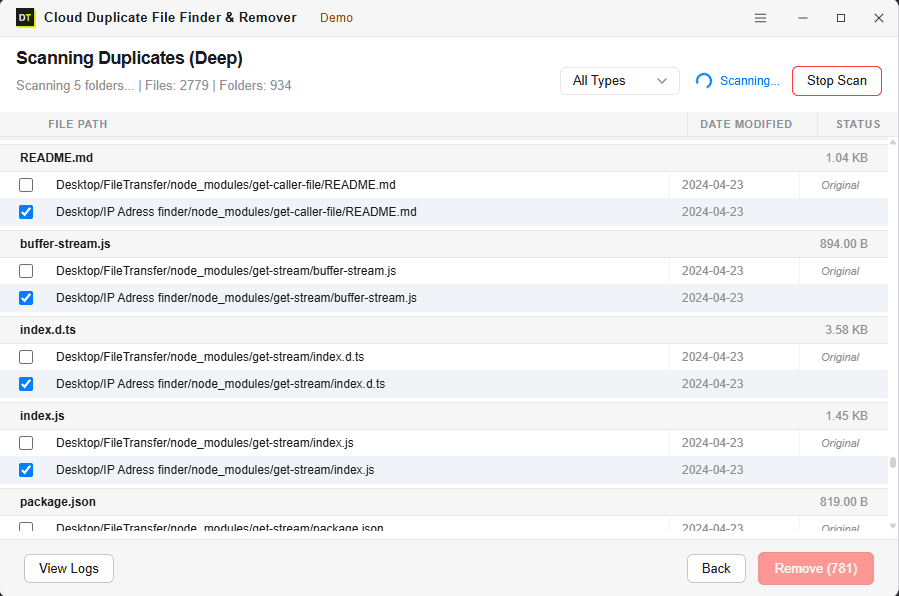
Fast Scan for speed. Deep Scan for cost-reduction accuracy. Watch the scan run live - object count, prefix count, storage size processed, and duplicates found in real time.
Review and Remove
Every duplicate object is shown before anything is deleted. Review results grouped by object type, size, and prefix. See exactly how much storage each duplicate group is wasting. Confirm what to remove. Bulk-delete in one action.
We Read Object Metadata.
We Never Download Your Files.
Identifying duplicates in S3 doesn't require downloading your objects. DT Amazon S3 Duplicate Finder connects through AWS APIs using your IAM credentials.
What we read:
Object key, size, ETag (content hash), storage class, and last modified date. That's it.
What we never read:
Object contents - file data, document text, image data, log file entries, or anything inside your S3 objects.
Your objects never leave S3 during the scan. They're never downloaded to your machine. They're never routed through our servers. Nobody at Data TB can see what's inside your buckets. The IAM credentials you provide are used only to list and read object metadata - and to delete objects you explicitly select for removal.
IAM-Based Access
You control exactly what permissions the tool has. Scope it to specific buckets only.
Zero Object Downloads
S3 objects scanned via AWS API - never pulled to your machine.
Versioning Reminder Built In
Tool prompts you to enable S3 Versioning before deletion - so you have a recovery path.
Full Activity Log
Every scan and deletion logged with timestamps, object keys, sizes, and bucket names.
The S3 Situations That Drive Up Bills
and Nobody Audits Until It's Too Late
Backup process duplicated the bucket?
A misconfigured sync job ran twice and doubled your bucket contents. Deep Scan finds every duplicated object - even across different prefix paths - and groups them for bulk removal.
CI/CD pipeline writing duplicate artifacts?
Build outputs accumulating across hundreds of deployments. Same binaries stored under different version paths but identical content. Deep Scan catches them by ETag.
Assets duplicated across multiple buckets?
Same images or files stored in staging and production buckets unnecessarily. Multi-bucket scan identifies cross-bucket duplicates and shows exactly where each copy lives.
Log files with identical content?
Generated log files that occasionally produce identical output accumulate silently. Fast Scan by name and size finds them quickly at scale.
Pre-migration bucket cleanup?
Moving from S3 to another storage platform or reorganizing your bucket structure. Clean duplicates first - migrate only what actually matters.
Millions of objects in one bucket?
Multi-threaded scanning handles large buckets efficiently. Real-time progress throughout - object count, size processed, duplicates found.
Anyone Paying an AWS Bill
Who's Never Audited Their S3 Buckets
Solo Developers & Indie Makers
You spun up S3 for a project, ran some backups, deployed a few times, and never looked back. Two years later the bill is quietly higher than it should be. A one-time scan finds what's there and cuts the recurring cost.
Startups Managing AWS Costs
You're watching every line of the AWS bill. S3 costs creep up slowly and nobody tracks why. A quarterly scan keeps duplicate objects from silently accumulating.
DevOps & Infrastructure Engineers
CI/CD pipelines, backup jobs, and deployment scripts that write to S3 without deduplication logic built in. Audit the buckets periodically - without building an Athena pipeline every time you need to check.
IT Administrators
Managing multiple AWS accounts. Multi-account, multi-bucket scan from one dashboard. Full activity log for every cleanup session.
MSPs Auditing Client Environments
Quick pre-billing storage audit. Find out how much of the client's S3 cost is real data vs. avoidable duplicate objects.
Agencies Managing Media Assets
Image libraries, video assets, design files - uploaded multiple times across different campaigns and projects. Deep Scan finds every identical asset regardless of what folder it's in.
Scan Free - See the Bill Impact - Buy to Remove
The free scan shows you how many duplicates exist, which buckets they're in, and how much they're costing you per month - before you spend anything on removal.
Start from 6 Month.
Run the Audit. Cut the Bill.
Most S3 deduplication jobs are a one-time or quarterly task. You don't need the tool forever. Start from 6 month. Run your cleanup. Extend for quarterly audits if it makes sense.
Every plan includes everything - multi-bucket scan, Deep Scan, bulk removal, activity logs. No feature held back.
30-Day Money-Back Guarantee on all plans.
System Requirements & IAM Setup
Questions Asked Before Every Purchase
Q: Does the tool download S3 objects to find duplicates?
No. The scan reads object metadata and ETag values via AWS API - your objects are never downloaded to your machine or routed through our servers.
Q: What AWS permissions does the tool need?
Minimum required: s3:ListBucket, s3:GetObject (for metadata), and s3:DeleteObject (for removal). We recommend creating a dedicated IAM user scoped to specific buckets - so you're granting the minimum access necessary.
Q: What's the difference between Fast Scan and Deep Scan?
Fast Scan matches by object key and size - quick but misses renamed duplicates. Deep Scan matches by ETag (S3's built-in content hash) - finds duplicates regardless of key name or prefix. Use Fast Scan for speed, Deep Scan for cost reduction audits.
Q: Can S3 objects be recovered after deletion?
S3 does not have a native recycle bin. The tool strongly recommends enabling S3 Versioning on your bucket before deletion - versioned buckets retain deleted objects as versions that can be restored. The tool reminds you of this before any deletion begins.
Q: Can it scan across multiple buckets?
Yes. Add multiple buckets from the same or different AWS accounts and scan them all in one session. Cross-bucket duplicates are identified and grouped together.
Q: My S3 bucket has millions of objects. Will it handle that?
Yes. Multi-threaded scanning handles large buckets efficiently. Real-time progress shows object count, size processed, and duplicates found throughout.
Q: Does it work with all S3 storage classes?
Yes - Standard, Intelligent-Tiering, Standard-IA, One Zone-IA. Glacier and Deep Archive objects require restore before they can be included in a Deep Scan.
Q: Is the free scan actually useful?
Yes. The free scan shows every duplicate found, grouped by bucket, with an estimated monthly cost per duplicate group. You see the exact bill impact before spending anything on removal.
Find Out How Much Your S3 Duplicates
Are Costing You Every Month - Free
Most teams never audit their S3 buckets until the bill becomes impossible to ignore. By then - months or years of duplicate backup runs, CI/CD artifacts, and re-uploaded assets have been silently generating charges on every billing cycle.
The free scan shows you exactly what's there, which buckets it's in, and what it's costing you per month - in minutes, without downloading anything, without writing a single line of code.
Scan first. See the number. Decide after.