
Every Byte Matters.
Your OST File Has Emails in It. Your NewCloud Inbox Should Too.
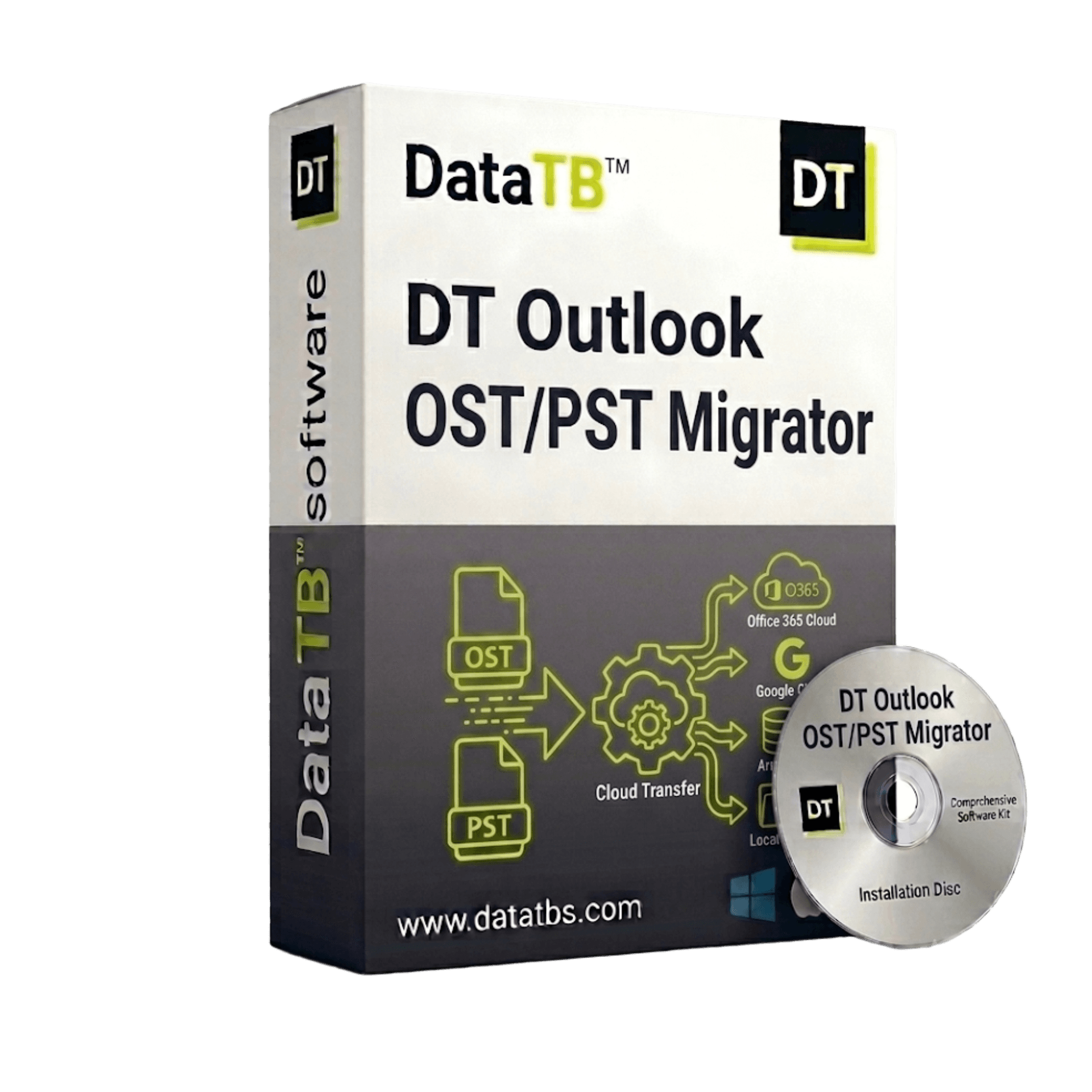
DT OST Migrator reads your Outlook OST file - connected, orphaned, or disconnected - and pushes everything directly into Office 365, Gmail, Google Workspace, Zoho Mail, Hostinger, or any IMAP server.
- ✗ No Exchange Server connection.
- ✗ No intermediate file format.
- ✗ No data passing through our servers.


Wait - What's the Difference Between
OST Converter and OST Migrator?
A lot of people land on the wrong tool and only figure it out halfway through. Here's the clear version:
Opens your OST file and creates a new file on your computer in a different format - PST, PDF, MBOX, EML.
You still have to import that file somewhere yourself.
Opens your OST file and pushes everything directly into your cloud inbox - Office 365, Gmail, Zoho, or any IMAP server.
No intermediate file. No manual import step. Your emails just appear in the new inbox.
If you want your OST emails to show up in your new cloud account - DT OST Migrator is what you need.
Which Cloud Are You Moving To?
DT OST Migrator connects directly to your destination via OAuth 2.0 or IMAP credentials and pushes your OST emails straight in - folder by folder, item by item.
Office 365 / Microsoft 365
The most common OST migration scenario.
Your on-premise Exchange is gone or your old account is deleted. The OST file is still on your machine. DT OST Migrator pushes it directly into the right Microsoft 365 mailbox - individual user or bulk migration across hundreds of accounts.
Google Workspace / Gmail
Switching from Exchange to Google?
DT OST Migrator lands your OST emails directly in Gmail - labels mapped to your original folders, attachments intact, nothing sitting in an intermediate file.
Zoho Mail
Moving your team to Zoho?
Direct IMAP-based delivery - full folder structure preserved, complete metadata, every item exactly where it belongs.
Hostinger Mail
Moving to Hostinger's business email?
OST emails delivered directly via IMAP - no manual import, no PST file in the middle, no extra steps after migration.
Any IMAP Server
cPanel, Namecheap, custom mail servers
If it supports IMAP, DT OST Migrator can push to it. Any standard IMAP server works - no special configuration or admin permissions required on the destination side.
Why Is That OST File Still Sitting on a Local Machine?
OST files were designed for a world where everyone worked at the same desk, connected to the same Exchange Server, every single day.
That world is gone.
An OST file sitting on a local machine means:
- One hard drive failure = those emails are gone forever.
- One person leaving the company = IT scrambles to recover five years of business conversations before wiping the device.
- One Exchange decommission = hundreds of OST files suddenly orphaned, unreadable, unarchivable.
- One compliance audit = nobody can quickly search or produce emails stored in local OST files.
Migrating OST data to Office 365 or Google Workspace fixes all of this. Emails become searchable, accessible from any device, backed up automatically, and covered by your cloud retention and compliance policies.
DT OST Migrator gets the data from the OST file into the cloud. Clean. Complete. Audited.
Five Steps. Then It's in the Cloud.
Install on Your Windows Machine
Download and install DT OST Migrator. No Exchange Server needed. No Outlook installation required. Works on Windows 10, 11, and Windows Server.
Add Your OST Files
Load a single OST file or a folder of OST files for batch migration. No file size limit - tested on 100GB+ files. Orphaned, disconnected, and healthy OST files all supported.
Connect to Your Cloud Destination
Sign in to Office 365, Gmail, Google Workspace, Zoho, Hostinger, or configure your IMAP server. OAuth 2.0 authentication - your credentials are never stored.
Map Users (For Bulk Migrations)
Migrating multiple users? Import a CSV mapping each OST file to the right cloud mailbox. No manual matching per account. Admin impersonation supported for Office 365 and Exchange - no individual user passwords needed.
Migrate and Monitor
Start the migration. Watch live progress per item. Connection drops? Auto-resume picks up exactly where it stopped - no duplicate emails, no lost items. Download the full audit report when done.
Your Emails Go From Your OST File Directly to Your Cloud Inbox.
We're Never in Between.
DT OST Migrator creates a direct, encrypted connection between your local OST file and your destination cloud mailbox.
No staging server. No Data TB infrastructure in the middle. No one at our end can see, log, or access your email content. We authenticate using OAuth 2.0 - the same secure standard your bank uses online. No passwords stored. No sessions logged. No data retained after migration.
OAuth 2.0 Authentication
Token-based login - no passwords stored anywhere.
Zero Server Touch
Your emails never route through Data TB infrastructure.
Auto-Resume on Drop
Connection lost mid-migration? Picks up exactly where it stopped. No duplicate emails created.
Full Audit Report
Every email migrated, skipped, or flagged - logged with timestamps. Export as CSV for compliance.
The OST Scenarios That Break Other Tools
Orphaned OST file - account already deleted?
The tool reads the OST file directly from disk without needing Exchange authentication. Orphaned files are fully supported.
OST file over 100GB?
No size limit. Multi-threaded engine handles terabyte-scale OST files without throttling or crashing.
Migrating 500 users at once?
CSV bulk user mapping - load all OST files, map each to the right cloud mailbox, run overnight. Full audit log in the morning.
Don't want to migrate everything?
Filter by date range, specific folders, or item type before migration starts. Exclude Junk, Deleted Items, or any folder you don't need.
Already migrated some emails - worried about duplicates?
Delta sync checks what's already in the destination mailbox and skips it. Run the migration again safely - only new items get pushed.
Running during business hours?
Built-in bandwidth throttling lets you control how much network the tool uses - your team's connection stays fast while it runs.
Anyone Moving Outlook Email History to the Cloud
Individual switching to Gmail
You used Exchange for years through a previous employer and kept the OST file on your laptop. DT OST Migrator puts those emails directly in Gmail - every folder, every attachment, exactly as it was.
IT teams decommissioning Exchange
The company is moving fully to Office 365 or Google Workspace. Hundreds of OST files on laptops need to land in the right cloud mailboxes. Batch migration with CSV mapping, impersonation, auto-resume, and a full audit log. That's what this was built for.
MSPs handling client offboarding
A client is leaving Exchange and moving to Zoho or Google Workspace. Their team has OST files from the last five years. Migrate them directly - no PST intermediary, no extra import step for the client.
Legal and compliance teams
Ingest archived OST files into Office 365 so they fall under your eDiscovery and retention policies - automatically, with a full record of everything that was moved.
HR and IT handling employee offboarding
Employee leaves. Account gets deleted. OST file stays on device. Migrate it into an archive mailbox before the device gets wiped - searchable, compliant, done.
DT OST Migrator - Difference Between Demo and Full Version
The demo version includes limitations, while the full version enables unrestricted processing.
| Features | Demo Version | Full Version |
|---|---|---|
| Add PST Files for Processing | ||
| Preserve Folder Structure of PST | ||
| Display Count of Emails and Items | ||
| Compatible with ANSI & Unicode PST | ||
| Works on Windows 11 and Earlier Versions | ||
| Try It on Your Real OST File - Free | Up to 40 Emails per Folder | No Limit |
| Cost | Free | Buy Now |
Start from 1 Month - Finish When You're Done
OST migrations usually have a deadline. You don't need the tool forever - you need it until the job is done. Start from 1 month. Finish the migration. Extend only if needed. Every plan includes everything - bulk migration, delta sync, impersonation, bandwidth throttling, auto-resume, full audit reports. No feature behind a higher plan.
30-Day Money-Back Guarantee on all plans.
Migration didn't complete cleanly and we can't fix it - full refund.
System Requirements
| Software Version | 25.7.4 |
| Software Size | 33 MB |
| Operating System | Windows 11, 10, Server 2022/2019/2016 |
| Exchange Required | No - completely independent |
| Outlook Required | No - completely independent |
| OST Types | ANSI & Unicode |
| Authentication | OAuth 2.0 (Modern) + IMAP credentials |
| RAM | 8 GB recommended for bulk migrations |
| File Size Limit | None - tested on 100GB+ OST files |
| Network Control | Built-in bandwidth throttling |
Real Questions Before You Run a Migration
QDo I need to be connected to Exchange to migrate my OST file?
ANo. DT OST Migrator reads the OST file directly from your disk - no Exchange Server, no Outlook profile, no authentication with the original server required.
QMy old company deleted my Exchange account. Can I still migrate my OST file?
AYes. Orphaned OST files - where the Exchange account no longer exists - are one of the most common use cases. The tool reads the file directly without needing the account to be active.
QWhat happens if my internet drops mid-migration?
ANothing is lost. Auto-resume kicks in automatically - the migration picks up exactly where it stopped. No duplicate emails, no items skipped.
QWill emails already in the cloud get duplicated?
ANo. Delta sync checks what's already in the destination mailbox before pushing anything. Only items that aren't already there get migrated.
QCan I migrate multiple OST files to different users at once?
AYes. Use CSV bulk mapping - list each OST and its corresponding cloud mailbox, import the file, and the tool handles all of them in one session.
QWhich cloud destinations are supported?
AOffice 365, Gmail, Google Workspace, Zoho Mail, Hostinger, and any standard IMAP server.
QIs there a file size limit?
ANone. Tested on OST files over 100GB. Terabyte-scale migrations complete without issues.
QDoes my email data pass through Data TB's servers?
ANever. Migration goes directly from your machine to your cloud mailbox. We don't receive, route, or see any of your email content.
Those OST Emails Belong in the Cloud.
Not on a Hard Drive That Could Fail Tomorrow.
Every day that OST file sits on a local machine, it's one system crash away from being gone permanently. DT OST Migrator moves it into your cloud inbox - searchable, backed up, accessible from anywhere, covered by your retention policies. Try the free trial on your real OST file and your real cloud account. See what lands in the inbox before you spend anything.