
Every Byte Matters.
Your OST File Is Locked. Here's How to Get YourEmails Out.
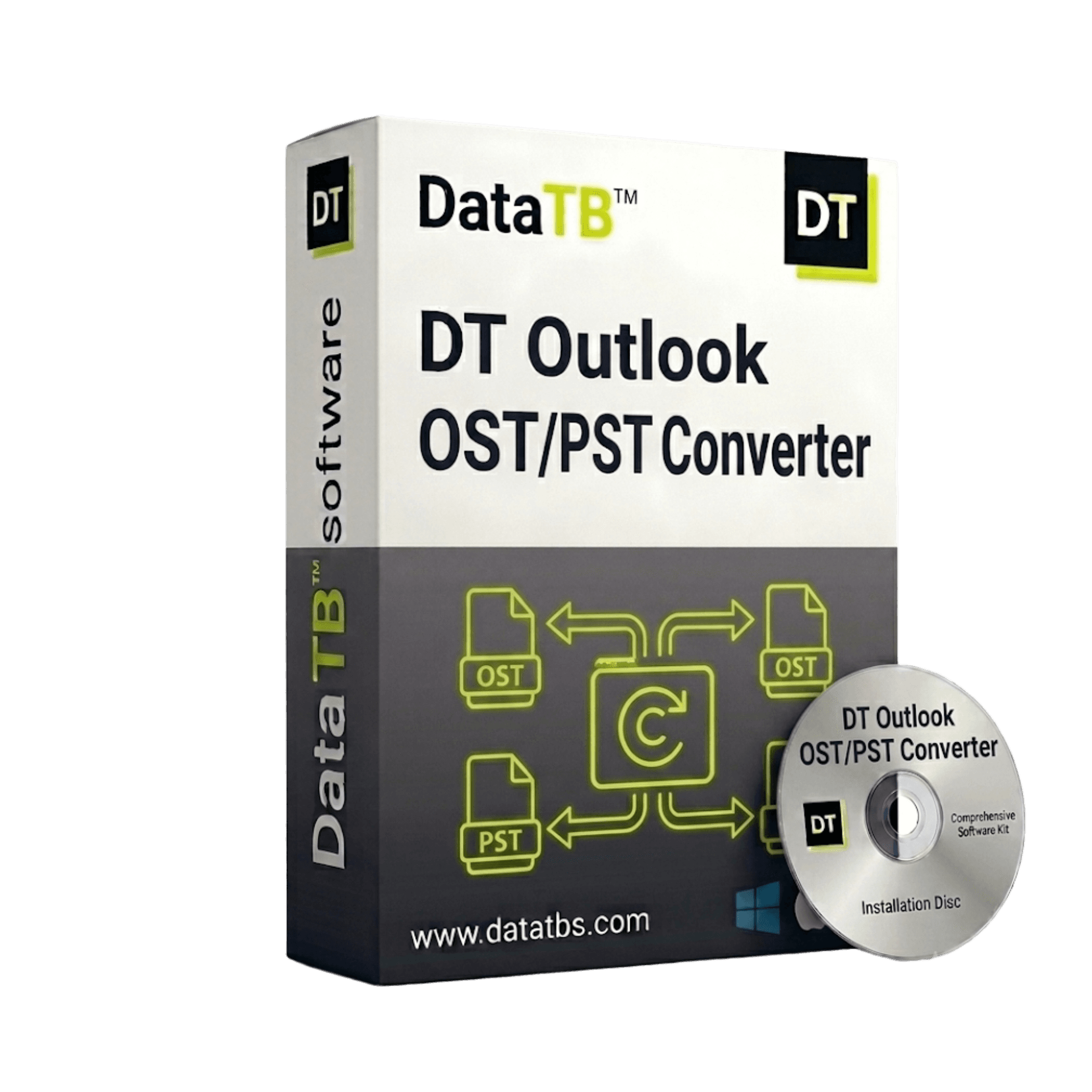
DT OST to PST Converter opens your Outlook OST file - connected, disconnected, orphaned, or corrupted - and converts everything inside it to PST, MBOX, PDF, EML, MSG, CSV, or VCF.
- ✗ No Exchange Server connection needed.
- ✗ No Outlook installation required.
- ✗ Nothing uploaded to any server.


What Is an OST File - and Why Can't You Open It?
OST stands for Offline Storage Table.
When you use Microsoft Outlook connected to an Exchange Server or Office 365, Outlook creates an OST file on your computer. It's a local copy of your mailbox - so you can keep working even when the internet goes down.
Everything syncs back when you reconnect. It works quietly in the background and most people never even know it exists.
Until something goes wrong.
Until you leave a company and your Exchange account gets deleted. Until IT rebuilds the server and your OST file stops syncing. Until Outlook crashes and won't open the file anymore.
At that point, your OST file becomes what's called an "orphaned" file - it exists on your computer, your emails are inside it, but nothing will open it.
DT OST to PST Converter opens it anyway. Gets everything out. Puts it into a format you can actually use.
Whatever State Your OST File Is In -
This Tool Handles It
Connected OST File
Your Outlook still syncs and the OST file is healthy. You just need the data in a different format or want to create a PST backup.
Clean conversion, full folder structure, every attachment included.
Disconnected OST File
Your Exchange account was removed, IT deprovisioned the mailbox, or you moved to a new email platform. The OST file is on your machine but Outlook won't open it.
The converter reads it directly - no Exchange connection needed.
Orphaned OST File
You left a job. The company deleted your account. You have the file but no way to authenticate it.
DT OST to PST Converter bypasses the Exchange authentication entirely - your emails are still inside and it gets them out.
Corrupted OST File
Outlook throws errors. The file won't sync or open. Headers are damaged.
Built-in recovery mode scans and repairs the file structure before extracting. Most partially corrupted OST files can still be fully converted.
Where Do You Need Your Emails to Go?
Pick the format that matches what you need to do next.
OST → PST
Best for:
Moving back into Outlook on a different machine or profile.
PST is Outlook's native import format - everything lands exactly as it was.
OST → MBOX
Best for:
Moving to Gmail (local), Thunderbird, Apple Mail, or any non-Microsoft email client.
MBOX is the universal format every non-Outlook client understands.
OST → PDF
Best for:
Legal records, court submissions, HR documentation, compliance archiving.
Every email becomes a permanent, uneditable document with full headers preserved.
OST → EML
Best for:
Individual email files. One EML = one email.
Works with Thunderbird, Windows Mail, Outlook Express, and almost every email client.
OST → MSG
Best for:
Staying in the Microsoft ecosystem but storing emails outside a mailbox.
MSG is Outlook's native single-email format.
OST → CSV
Best for:
Contacts and calendar data.
Import directly into Google Contacts, any CRM, or Excel for reporting.
OST → VCF
Best for:
Exporting contacts to your new phone, Gmail, or any modern address book.
VCF is the standard contact card format every device reads.
Four Steps. Your Emails Are Out.
Install on Your Windows Machine
Download and install DT OST to PST Converter. No Exchange Server needed. No Outlook installation required. No account or sign-up.
Add Your OST File
Browse and load your OST file - single file or an entire folder of OST files for batch conversion. No file size limit. The tool reads the file regardless of its condition.
Preview Your Mailbox Data
Before anything converts, see exactly what's inside - folder structure, email count, contacts, calendars, attachments. Select specific folders or set a date range.
Convert and Get Your Report
Choose your output format. Hit convert. When done - download a full report of every item converted, skipped, or flagged.
An OST File Contains Years of Private Conversations.
It Should Never Leave Your Machine.
Think about what's inside your OST file. Everything you ever sent or received through that Outlook account. Client emails. HR conversations. Personal messages. Legal correspondence. Files and attachments from years ago.
Online OST conversion tools ask you to upload all of that to their server. Some of them are free - and their business model is your data.
DT OST to PST Converter works differently. Everything happens locally on your machine. Your OST file is read on your device. The output is saved on your device. Our servers are never involved. We can't see your emails - because we never receive them.
100% Local Processing
No upload. No cloud routing. Everything stays on your device.
Works Completely Offline
No internet connection needed after installation.
Auto-Resume on Interruption
System restart or power cut mid-conversion? Picks up exactly where it stopped.
Full Conversion Report
Every item logged - converted, skipped, or flagged. Export as CSV for your records.
The OST Situations Other Tools Fail On
OST file over 50GB?
No size limit. Multi-threaded engine processes large OST files completely - no crashing, no splitting required first, no throttling halfway through.
Multiple OST files to convert?
Batch mode - load an entire folder of OST files and convert them all in one session. No repeating the process file by file.
Need only specific emails - not everything?
Filter by date range, specific folder, or item type before conversion starts. Export exactly what you need, nothing more.
OST file partially corrupted?
Built-in recovery mode automatically attempts to repair damaged file headers before extraction begins. Most partially damaged OST files can be successfully converted.
S/MIME encrypted emails in the OST file?
Encrypted emails are handled - provided the certificates are available on the machine. Decrypted output preserved in the converted format.
ANSI or Unicode OST?
Both supported - covers every version of Exchange and Outlook from 2007 to 2021 and 365.
People Use This for All Kinds of Reasons
Left a job and need your old emails
Your company account was deleted the day you left. The OST file is still on your laptop - years of emails, contacts. Convert it to PST or PDF before that laptop gets wiped.
Exchange Server was decommissioned
IT shut down the old Exchange Server. Everyone's OST files are now orphaned. Batch convert all of them to PST and import into the new environment.
Outlook profile got corrupted
Your Outlook profile is broken and won't open. But the OST file is still there on disk, intact. Convert it directly - no profile repair needed.
Moving from Exchange to Google Workspace
Your company is switching from on-premise Exchange to Gmail. Convert OST files to MBOX and migrate directly - folder structure preserved.
Legal and compliance archiving
Convert specific mailboxes or date ranges to PDF. Timestamped, uneditable records - ready for e-discovery, HR investigations, or court submissions.
IT administrators handling offboarding
Employee leaves. Account gets deleted. OST file stays on their machine. Convert it, archive it, done - before IT wipes the device.
DT OST to PST Converter - Difference Between Demo and Full Version
The demo version includes limitations, while the full version enables unrestricted processing.
| Features | Demo Version | Full Version |
|---|---|---|
| Add PST Files for Processing | ||
| Preserve Folder Structure of PST | ||
| Display Count of Emails and Items | ||
| Compatible with ANSI & Unicode PST | ||
| Works on Windows 11 and Earlier Versions | ||
| Try It on Your Actual OST File - Free | Up to 40 Emails per Folder | No Limit |
| Cost | Free | Buy Now |
Start from 1 Month - No Yearly Lock-In
Most OST conversions are a one-time job. You don't need the tool forever - you need it until the work is done. Start with 1 month. Finish the conversion. Extend only if you need to. Every plan includes everything - same speed, same file size limit, same recovery mode, same audit report. No feature left behind.
30-Day Money-Back Guarantee on all plans.
If the tool can't open your OST file and we can't fix it - full refund.
System Requirements
| Software Version | 25.7.4 |
| Software Size | 33 MB |
| Operating System | Windows 11, 10, 8.1, 8, 7 |
| Exchange Required | No - completely independent |
| Outlook Required | No - completely independent |
| OST Types | ANSI & Unicode |
| Exchange Versions | 2007, 2010, 2013, 2016, 2019, 2021, 365 |
| Processor | Intel Pentium 1 GHz or higher |
| RAM | 4 GB recommended |
| Disk Space | 200 MB for installation |
Questions People Ask Before They Buy
QDo I need to be connected to Exchange to convert my OST file?
ANo. DT OST to PST Converter reads the file directly from your disk - no Exchange Server connection, no Outlook profile, no authentication required.
QMy OST file is orphaned - my old company deleted my account. Can this still convert it?
AYes. Orphaned OST files are one of the most common use cases for this tool. Once an OST file is on your machine, DT can read it regardless of whether the Exchange account still exists.
QMy OST file is corrupted and Outlook won't open it. Can you recover it?
AIn most cases, yes. The built-in recovery engine scans the file structure and attempts to repair header-level damage before extraction. Most partially corrupted OST files can be successfully converted.
QIs there a file size limit?
ANone. The tool is tested on OST files over 100GB. Large files process completely - no crashing, no splitting required.
QWill my folder structure and attachments be preserved?
AYes. Folder hierarchy, read/unread status, attachments, inline images, and all metadata (To, From, CC, BCC, Subject, Date) are preserved exactly as they are in the original OST file.
QCan I convert only specific folders or date ranges?
AYes. Preview the full folder structure before converting and select exactly what you need - specific folders, date ranges, or item types.
QDoes my OST file get uploaded to your servers?
ANever. Everything runs locally on your machine. We don't receive, see, or store any of your email data.
QWhat's the difference between the free trial and full version?
AThe free trial converts up to 40 emails per folder - everything else works identically. Full version has no conversion limit.
Your Emails Are Still in That OST File.
Let's Get Them Out.
Whether you left a job, your Exchange Server was shut down, or Outlook just stopped cooperating - your data is still there. DT OST to PST Converter gets it out. On your machine. Without Exchange. Without Outlook. With a full report when it's done.