
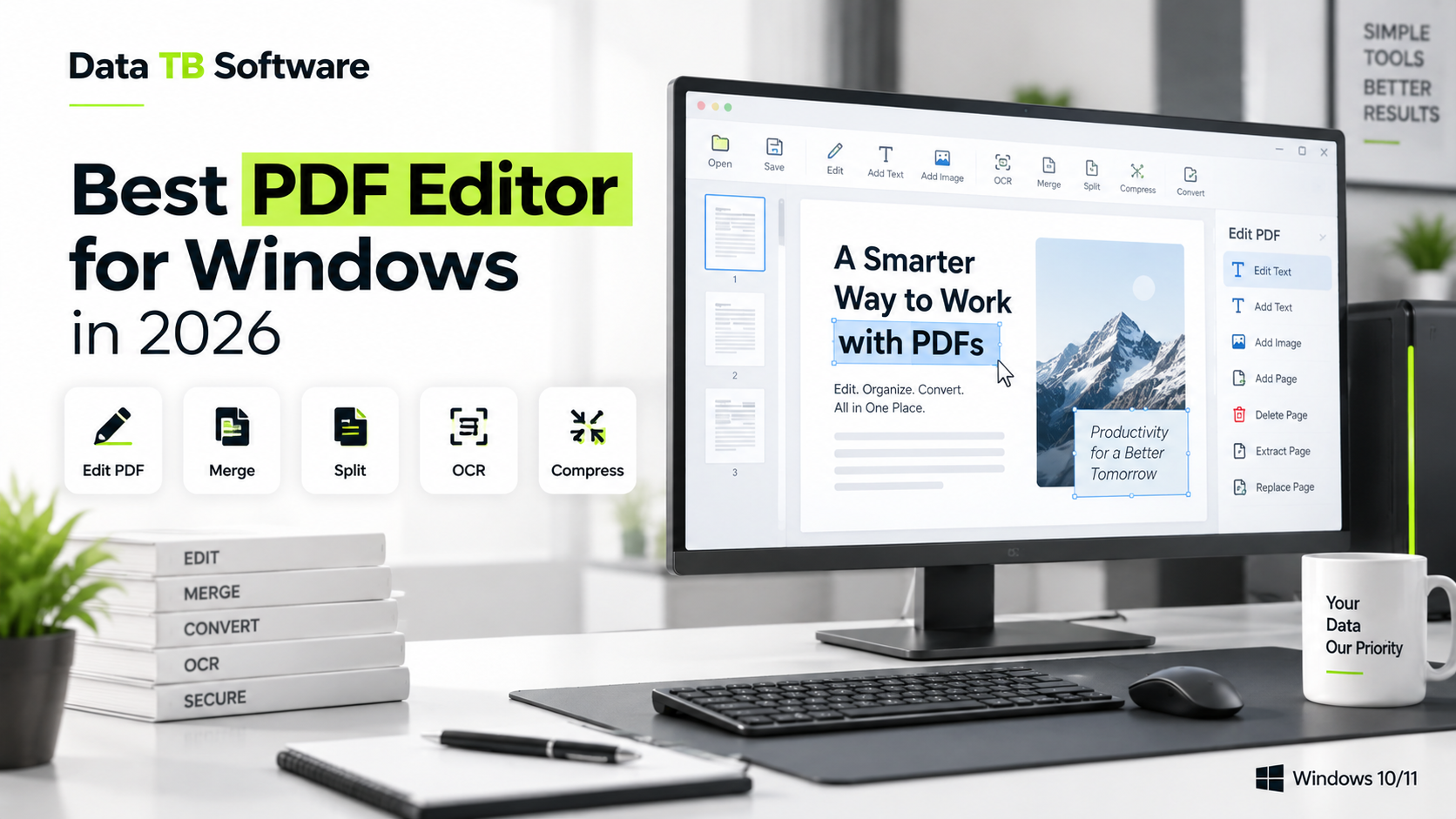
Best PDF Editor for Windows in 2026: A Practical Comparison
Try DT PDF Editor Today
The light, fast PDF editor for Windows. Edit, merge, split, redact, and OCR without the multi-gigabyte bloat.
If you have gone looking for a PDF editor recently, you already know the problem isn't a shortage of options. It's the opposite. There are dozens of tools claiming to be the best PDF editor for Windows, and most of them look identical on a features page: edit, merge, split, sign, convert. The differences that actually matter, how fast something opens, what it costs a year from now, whether redaction actually removes the text underneath, rarely show up until you have already installed the thing.
This is a practical rundown of the PDF editors people actually end up using on Windows in 2026, what each one is genuinely good at, and where each one falls short.
How We're Comparing These
Five things separate a good PDF editor for Windows from a mediocre one: how deep the actual text editing goes (not just annotation), how the app performs on your machine (install size, launch time, resource usage), what the security tools actually do (real redaction versus a black box), pricing and whether you're locked into a subscription, and how much you need to learn before you can just get something done.
Adobe Acrobat
Adobe Acrobat is still the name most people think of first, and for good reason: it has the deepest feature set of any PDF editor on this list, from advanced OCR to enterprise-grade e-signing and document comparison. It is genuinely capable software.
Paid plans start around $12.99 a month, with the more capable Pro tier landing near $19.99 a month for individuals, and pricing climbs from there for teams and add-ons like the AI assistant. That is the trade-off with Acrobat: you are paying for breadth you may never fully use, and the app has a reputation for feeling heavy on older machines.
Best for: legal, enterprise, and anyone already living inside the Adobe ecosystem.
Foxit PDF Editor
Foxit has built its reputation on being fast without giving up serious functionality, which is why it keeps showing up as the pick for people who want Acrobat-level editing without Acrobat-level friction. It covers editing for text, images, and pages with export to Word and Excel, OCR for scanned files, redaction and comparison tools, and batch tools for repetitive tasks.
Pricing sits in the middle of the market, well below Acrobat but still a recurring cost, with higher tiers adding cloud storage and AI credits.
Best for: small to mid-sized businesses that want speed without sacrificing depth.
Wondershare PDFelement
PDFelement has positioned itself as the approachable, all-in-one option, an editor that doesn't assume you already know PDF software. It leans into AI features for summarizing documents and answering questions about them, and its editing tools are solid for everyday text and image changes.
The catch is that PDFelement's pricing and its AI add-ons can stack up quickly if you want the full toolkit, and like most modern PDF suites, it isn't a small install.
Best for: people who want guardrails and don't mind a bit of AI assistance built in.
PDF-XChange Editor
PDF-XChange has quietly stayed one of the better value picks for years. It packs a genuinely deep editing toolkit, annotation, forms, OCR, security, at a lower price than most of the names above it, though the interface shows its age compared to newer, more polished competitors.
Best for: power users who care more about what the software does than how it looks doing it.
Nitro PDF
Nitro has leaned hard into team workflows: editing, eSigning, and AI tools bundled for organizations that need document processes to move through several people, not just one. It's built for teams that want editing, eSigning, and AI tools in one platform, which makes it a strong pick for a department, less obviously necessary for a single person editing the occasional contract.
Best for: teams that need signing and approval workflows alongside editing.
UPDF
UPDF has grown into a genuinely capable, budget-friendly alternative, particularly for individuals who want AI features without an enterprise price tag. It covers the core editing, converting, and annotating tasks well, and its pricing undercuts most of the names above.
Best for: individuals who want a modern feature set without the Acrobat-sized bill.
Free Options Worth Knowing About
If your PDF needs are occasional, a few free tools are worth mentioning: PDFgear and PDF24 Creator both handle basic editing, merging, and converting without cost, and browser-based tools like Smallpdf work fine for quick, one-off edits. The trade-off is consistent across all of them: file size limits, fewer security tools, and in most cases, your file gets uploaded to a server to be processed, which matters if what you're editing is a contract or anything with personal information in it.
Where DT PDF Editor Fits
There's a pattern worth naming across nearly every 2026 comparison of PDF editors: users increasingly want lightweight, user-friendly PDF editors that work smoothly on Windows without complex setup, not just another tool with a longer features list. Most of the names above solved the "features" problem years ago. Almost none of them solved the "this shouldn't take four seconds to open and half a gigabyte of disk space" problem.
That's the specific gap DT PDF Editor is built for. It carries the same core toolkit as the bigger names, editing text and images directly, merging, splitting, arranging and extracting pages, watermarking, metadata editing, encryption, permanent redaction, OCR, compression, search, batch processing, and rendering pages as PNG or JPG, but in a small, fast install that doesn't sit in the background eating memory when you're not using it. For anyone who has ever gotten frustrated waiting for a bloated PDF editor to load just to fix one typo, it's worth a look.
Quick Comparison
| Tool | Best For | Pricing Model | Standout Trait |
|---|---|---|---|
| Adobe Acrobat | Enterprise, legal | Subscription, premium | Deepest overall feature set |
| Foxit PDF Editor | Business teams | Subscription, mid-range | Speed with serious depth |
| PDFelement | Everyday users wanting AI help | Subscription, mid-range | Approachable, AI-assisted |
| PDF-XChange Editor | Power users on a budget | One-time or subscription, budget | Deep toolkit, lower price |
| Nitro PDF | Teams with sign-off workflows | Subscription, mid-to-high | eSign and AI built for teams |
| UPDF | Individuals wanting modern features cheap | Subscription, budget | Strong value AI features |
| DT PDF Editor | Anyone tired of bloated installs | One-time or short-term, budget | Full toolkit, small and fast |
| PDFgear / PDF24 / Smallpdf | Occasional, simple edits | Free | No cost, but limited depth and security |
How to Actually Choose
If you're inside a large organization with compliance needs and already pay for Adobe elsewhere, Acrobat is the safe, if expensive, choice. If you run a small business and want speed without cutting corners, Foxit or PDF-XChange cover most of what you need. If your team lives and dies by signature workflows, Nitro earns its price. And if none of that matters to you, if you just want to open a PDF, fix it, and move on without your laptop fan spinning up, a lighter tool built for exactly that, like DT PDF Editor, is going to feel like a relief the first time you use it.