
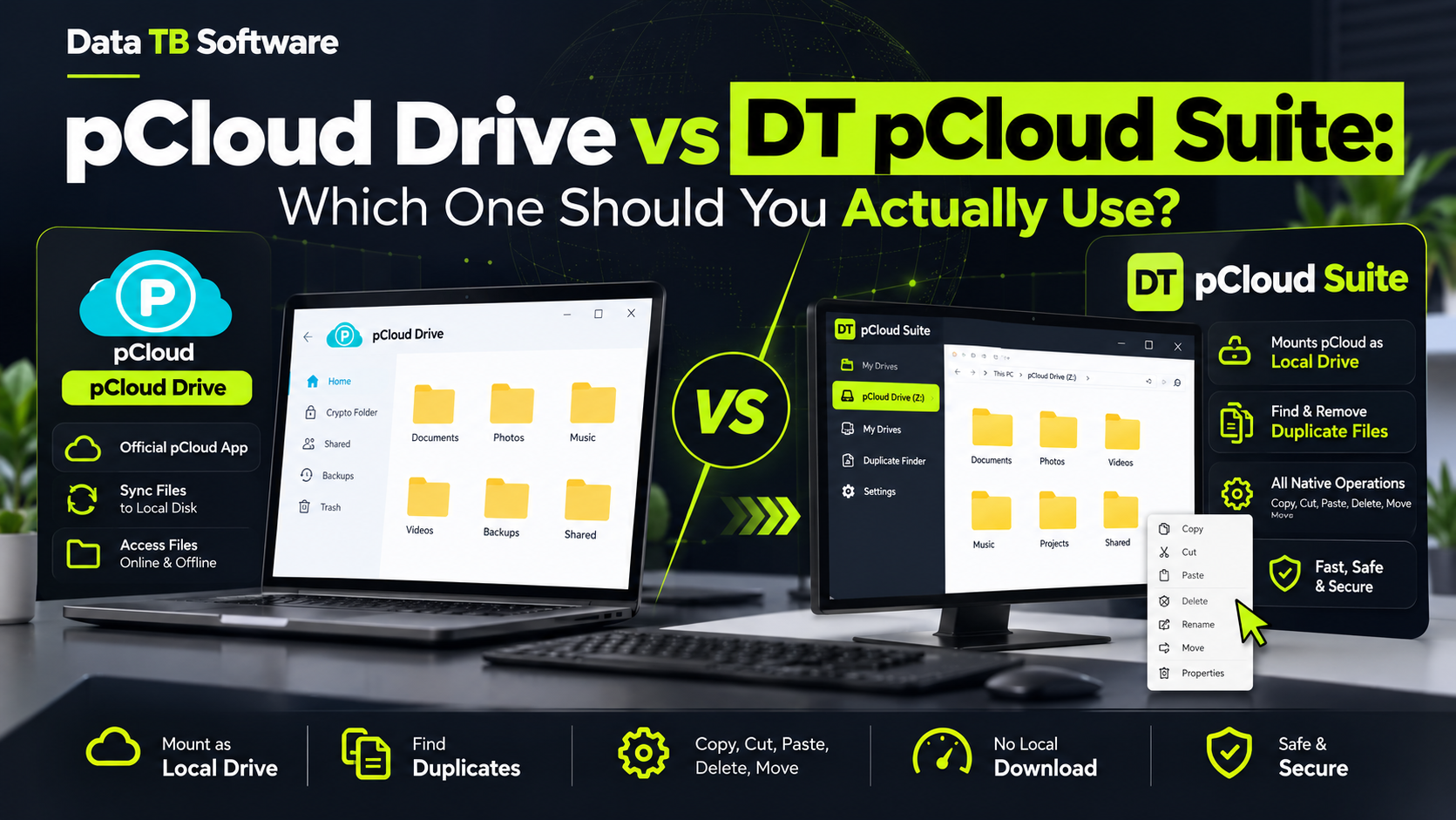
pCloud Drive vs DT pCloud Suite: Which One Should You Actually Use
Try DT pCloud Suite Today
Mount pCloud alongside Google Drive, OneDrive, and S3 as a real local drive on your PC. Native speed with no bulk downloads.
If you use pCloud and only pCloud, this question barely matters. The free pCloud Drive app that comes bundled with your account already mounts your storage as a local drive, streams files on demand, and stays out of your way. It is a solid piece of software and there is no reason to replace something that already works.
The question gets interesting the moment pCloud stops being your only cloud account. Maybe you have pCloud for personal files, Google Drive from a client, and an S3 bucket from a side project. Maybe your team runs two pCloud accounts, one for the agency and one for a specific client, and you need both open at the same time without juggling browser tabs or separate installs. That is the exact situation DT pCloud Suite is built for, and it is worth looking at honestly, including where the native app is still the better choice.
What pCloud Drive Does Well
pCloud Drive is not a stripped down or limited tool. It mounts your pCloud account as a P drive on Windows or a Finder location on Mac, streams files instead of forcing a full download before you can open them, and does this without eating into your local disk space. If pCloud is the only cloud service you touch, this native app covers the job completely, and it costs nothing extra since it ships with any pCloud account.
Where it runs into limits is scope. It was built to mount pCloud, and only pCloud. It has no concept of Google Drive, OneDrive, S3, or any of the dozen other providers people commonly use alongside it. And running two instances of it for two separate pCloud accounts on the same machine is not something the app was designed to do cleanly, so people end up with workarounds involving separate user profiles or switching sign ins throughout the day.
What DT pCloud Suite Adds
DT pCloud Suite does the same core job, mounting pCloud as a real local drive with a drive letter in File Explorer, but it treats pCloud as one provider among many rather than the only one. Once installed, pCloud sits next to Google Drive, OneDrive, Dropbox, Mega, Box, Nextcloud, Amazon S3, Google Cloud Storage, Azure Blob Storage, Backblaze B2, DigitalOcean Spaces, or an FTP or SFTP server, all mounted through the same interface, all behaving the same way once mounted.
Two things stand out for anyone managing more than a single cloud account. First, mounting more than one pCloud account at the same time is a normal, supported use case rather than a workaround, so a personal account and a work account can both sit as separate drives without extra setup. Second, every operation, copying a folder, cutting and pasting between two different clouds, deleting a batch of files, opening and running something directly, works at native speed regardless of which provider the file actually lives on. Moving a file from pCloud straight into an S3 bucket, for example, does not require downloading it locally first and reuploading it afterward.
Like the native app, DT pCloud Suite streams files rather than downloading them in full before you can view them, and it carries no artificial file size limit once mounted and licensed. The free demo mounts one cloud drive of your choice, pCloud included, with every feature unlocked but transfer speed capped at 3MB/s, enough to properly test the experience before paying for anything. A license removes that cap entirely and runs at whatever speed your internet connection actually supports.
Feature Comparison
| Feature | DT pCloud Suite | pCloud Drive (native) |
|---|---|---|
| Cost | Included in DT Cloud Drive Suite license | Free with any pCloud account |
| Providers supported | pCloud plus 12 or more others through one app | pCloud only |
| Multiple pCloud accounts mounted together | Yes, supported directly | Not designed for this |
| Mixing pCloud with other clouds in one workflow | Yes, all mounted the same way | No, pCloud only |
| Speed on a paid or licensed plan | Full internet speed, no cap | Full speed, no cap |
| File size limits | None | None |
| Offline access | None, requires an active connection | None, requires an active connection |
| Free tier | One cloud drive, full features, capped at 3MB/s | Fully free with your pCloud account |
Where the Native App Still Wins
It would not be an honest comparison without saying this plainly. If pCloud is genuinely the only cloud storage you use and you have no plans to add another provider or run a second account, the native pCloud Drive app is the right call. It is free, it is maintained directly by pCloud, and it does not ask you to install or license a separate product for something you already have covered. Adding DT pCloud Suite in that situation would just be an extra piece of software solving a problem you do not have.
Where DT pCloud Suite Makes More Sense
The switch starts to make sense in three fairly specific situations. The first is running pCloud next to at least one other cloud provider and wanting one consistent app, one update cycle, and one interface instead of a separate native client for each service with its own tray icon and its own quirks. The second is needing more than one pCloud account mounted at the same time, which the native app was never built to handle gracefully. The third is a team or an IT setup that values consistency across every cloud drive in use, so pCloud, Google Drive, and an S3 bucket all get configured, mounted, and managed the exact same way instead of a different learning curve per provider.
Freelancers juggling a client's Google Drive against their own pCloud account, small businesses with files scattered across pCloud, Dropbox, and an FTP server, and IT admins standardizing tools across a mixed environment tend to be the people who get real, daily value out of the switch.
Pricing and Trial
DT pCloud Suite is included as part of the DT Cloud Drive Suite license rather than sold as a completely separate product, and the free demo is generous enough to actually judge the experience: mount any one cloud drive including pCloud, use every feature without restriction, and only the transfer speed is capped until you decide to buy. Compared to tools like RaiDrive or CloudMounter, which range roughly from two to thirty dollars a month or more depending on the plan, this is worth checking against your own usage before committing either way.
Frequently Asked Questions
Does pCloud already have its own way to mount as a local drive?
Is DT pCloud Suite only useful if I have multiple cloud providers?
Can I run two pCloud accounts side by side with the native app?
Does either tool work without an internet connection?
Is there a file size limit with either option?
The Verdict
If pCloud is your only cloud account, stick with pCloud Drive. It is free, it is native, and it already does the job well. If pCloud is one piece of a bigger picture, sitting alongside Google Drive, OneDrive, S3, or a second pCloud account entirely, DT pCloud Suite removes the friction of running a separate app per provider and lets every cloud drive you touch behave the same way, in the same window, under the same license.
The right choice here is not about which tool is objectively better. It is about how many clouds you are actually juggling.